GravityMerge AI Template Designer
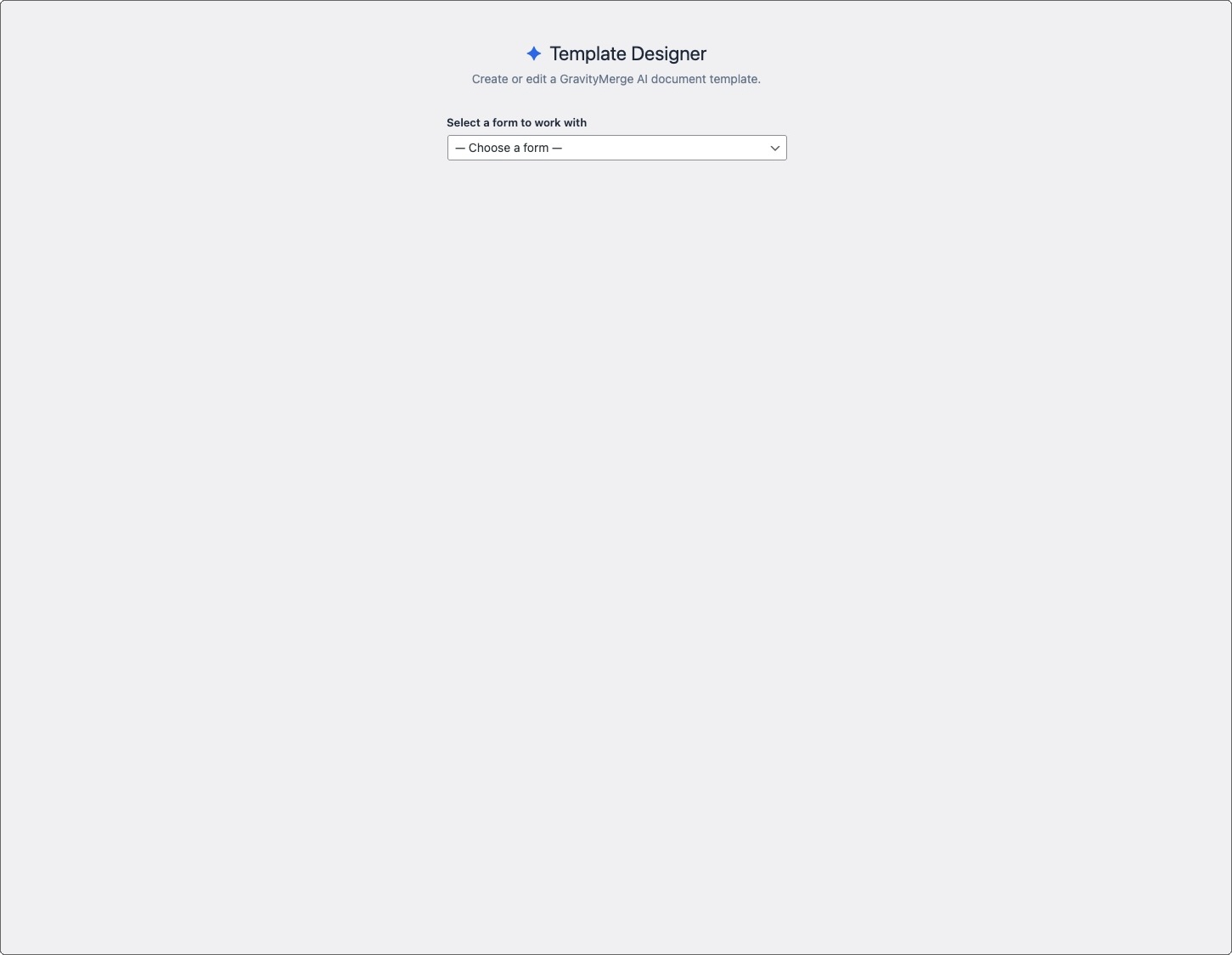
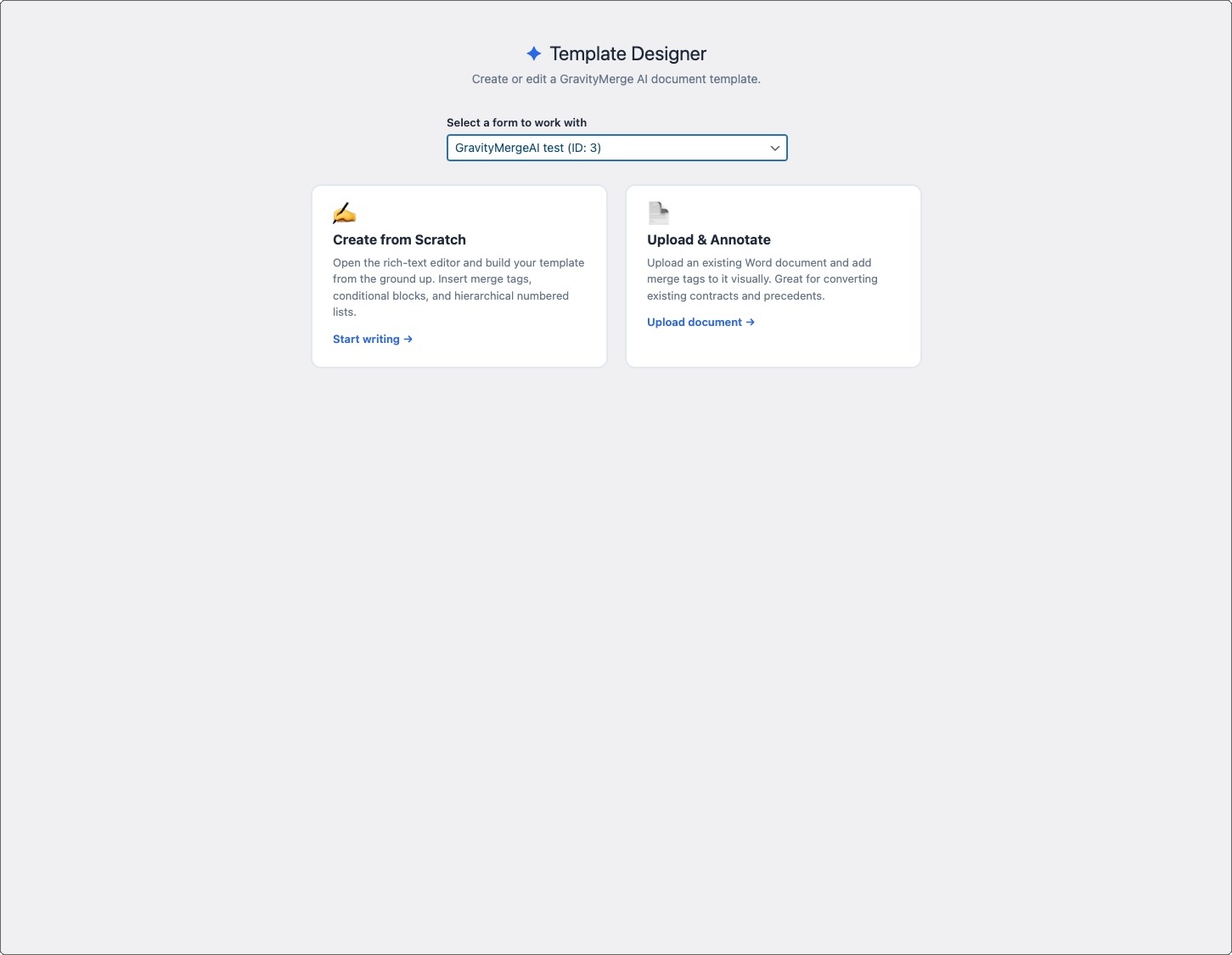
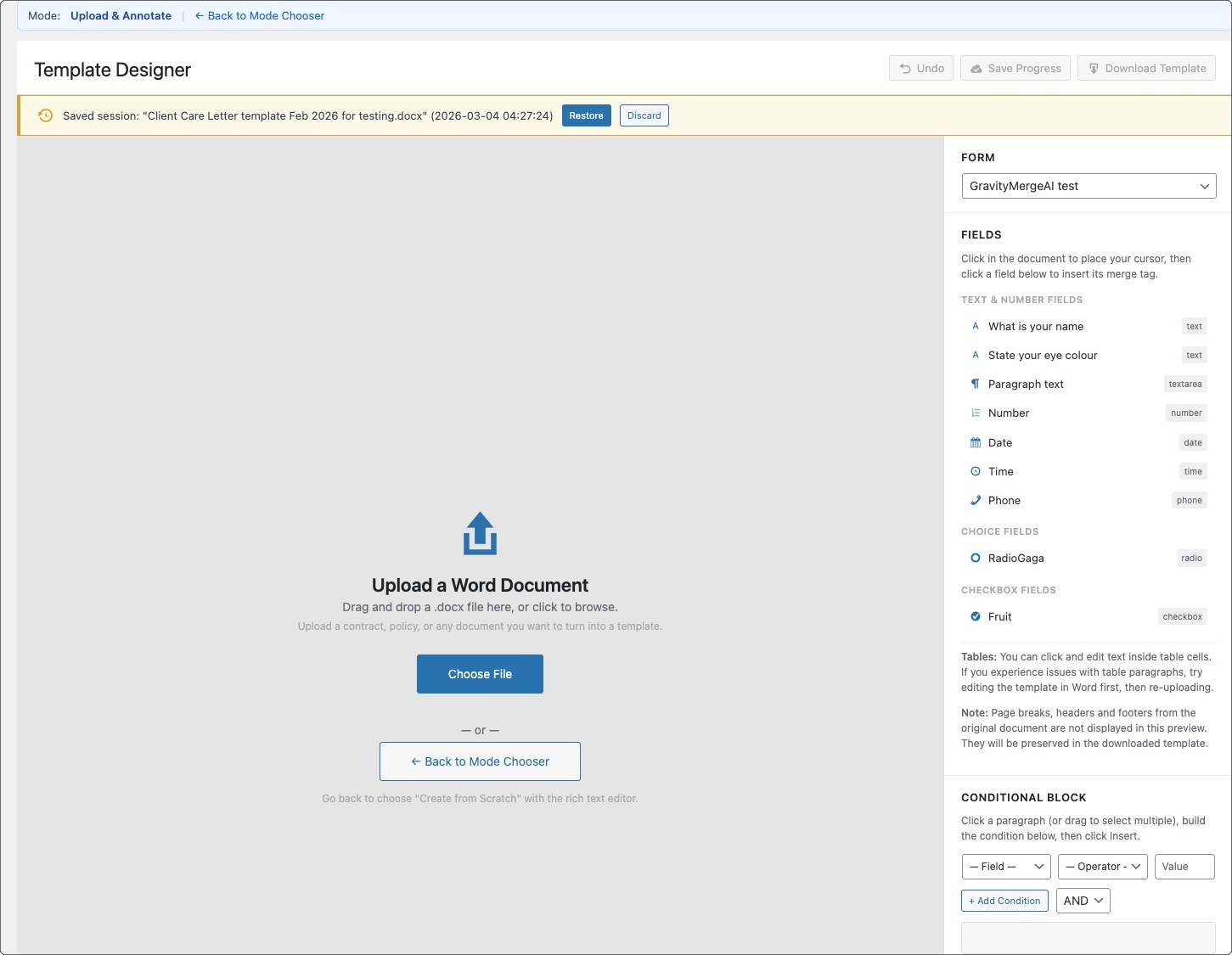
Create GravityMerge AI document templates directly in your WordPress admin. Choose between two modes: create a template from scratch using the built-in rich text editor, or upload an existing Word document and annotate it with merge tags visually. Template Designer knows your form fields and handles the merge tag syntax for you.
Features
- Two working modes: Create from scratch with a rich text editor, or upload and annotate an existing Word document. Choose the mode that suits your workflow.
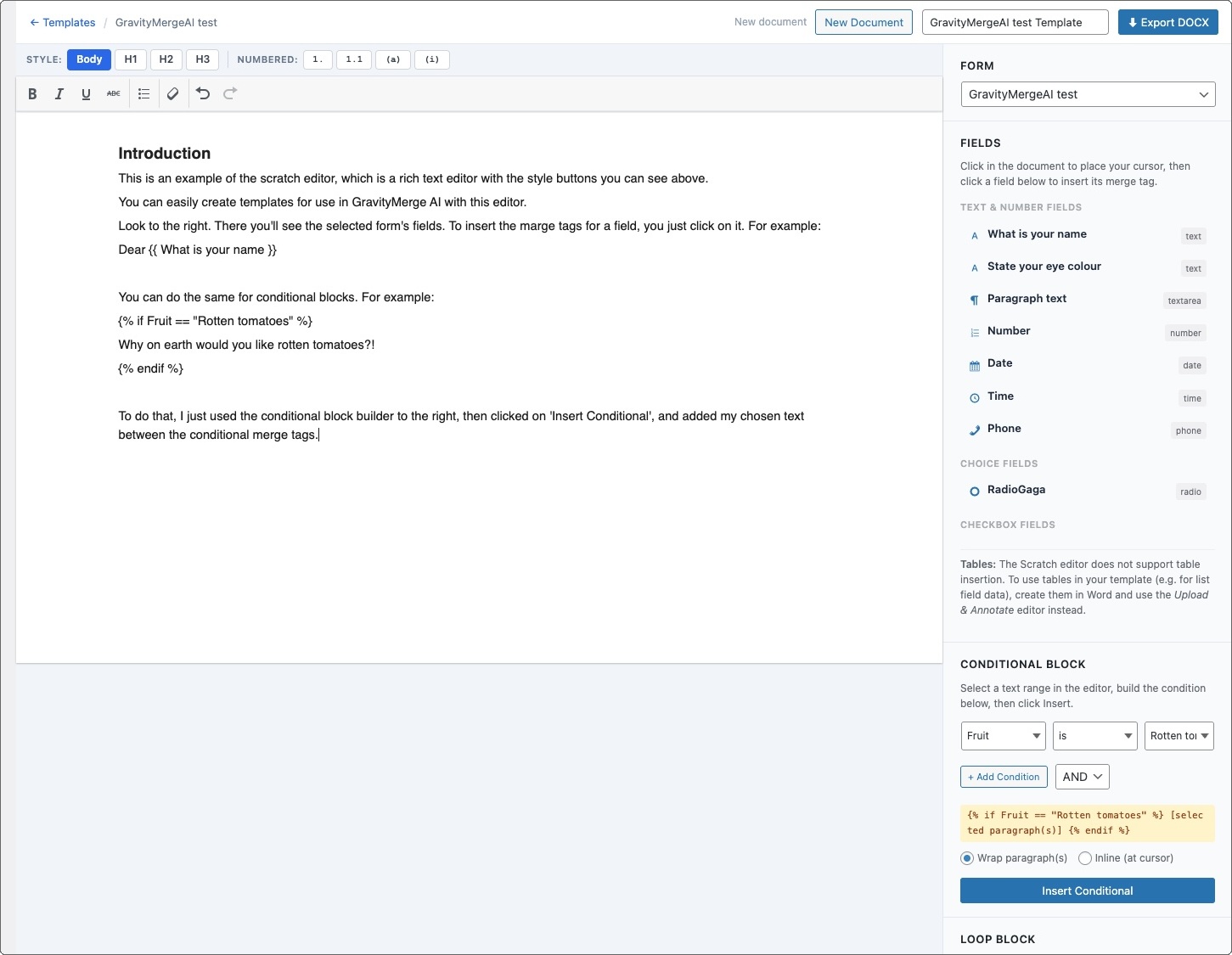
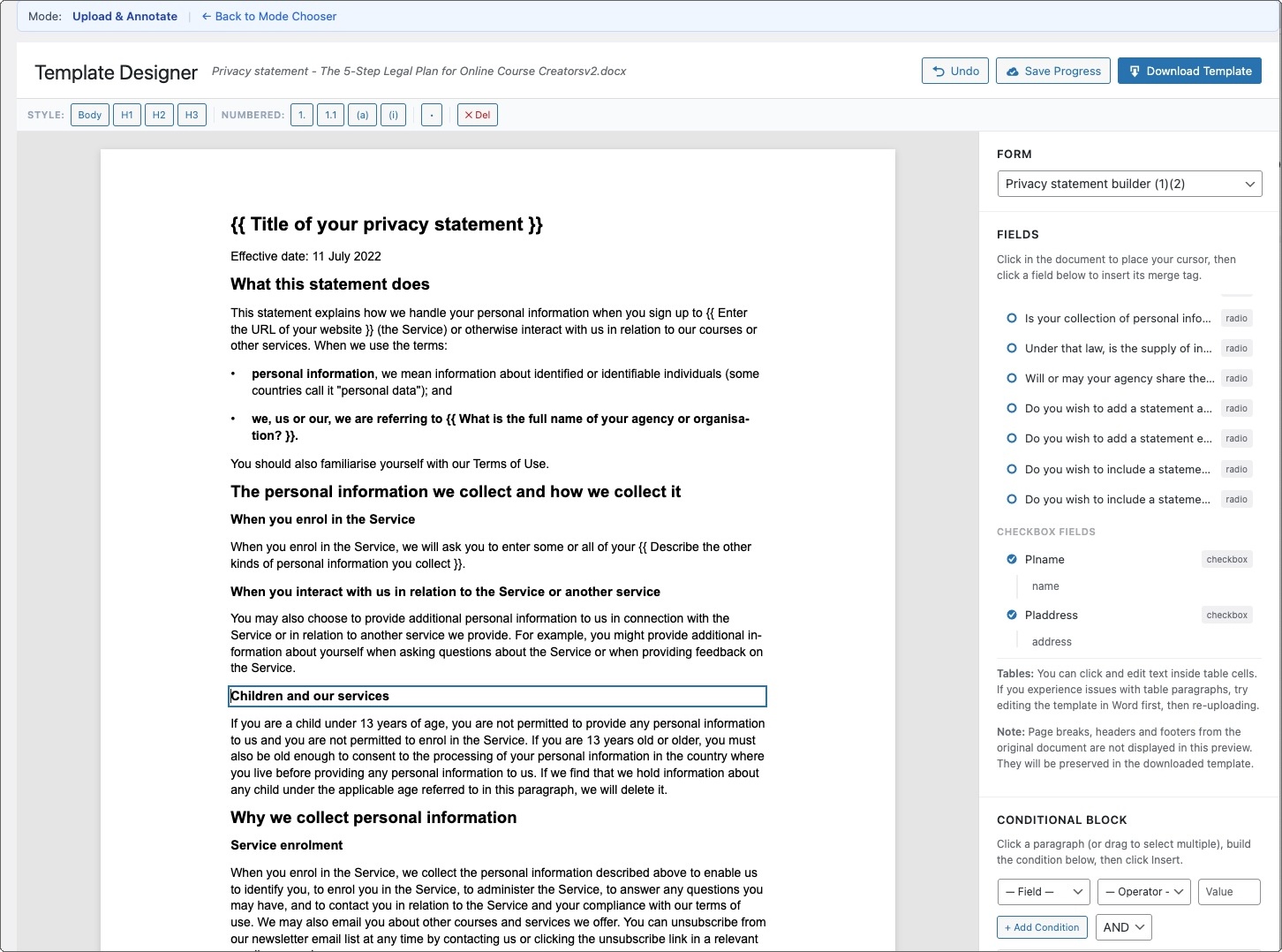
- Form-aware field panel: Select a Gravity Forms form and the plugin displays all available fields. Click a field to insert its merge tag at the cursor position. There's no need to remember or type tag syntax.
- Visual condition builder: Build conditional blocks (if/elif/else/endif) through a point-and-click interface. Select the field, choose the operator, enter the value, and the plugin inserts the correctly formatted conditional tags.
- Loop insertion: Insert repeating-content blocks for List fields with the correct for/endfor syntax, ready for table rows or repeated sections.
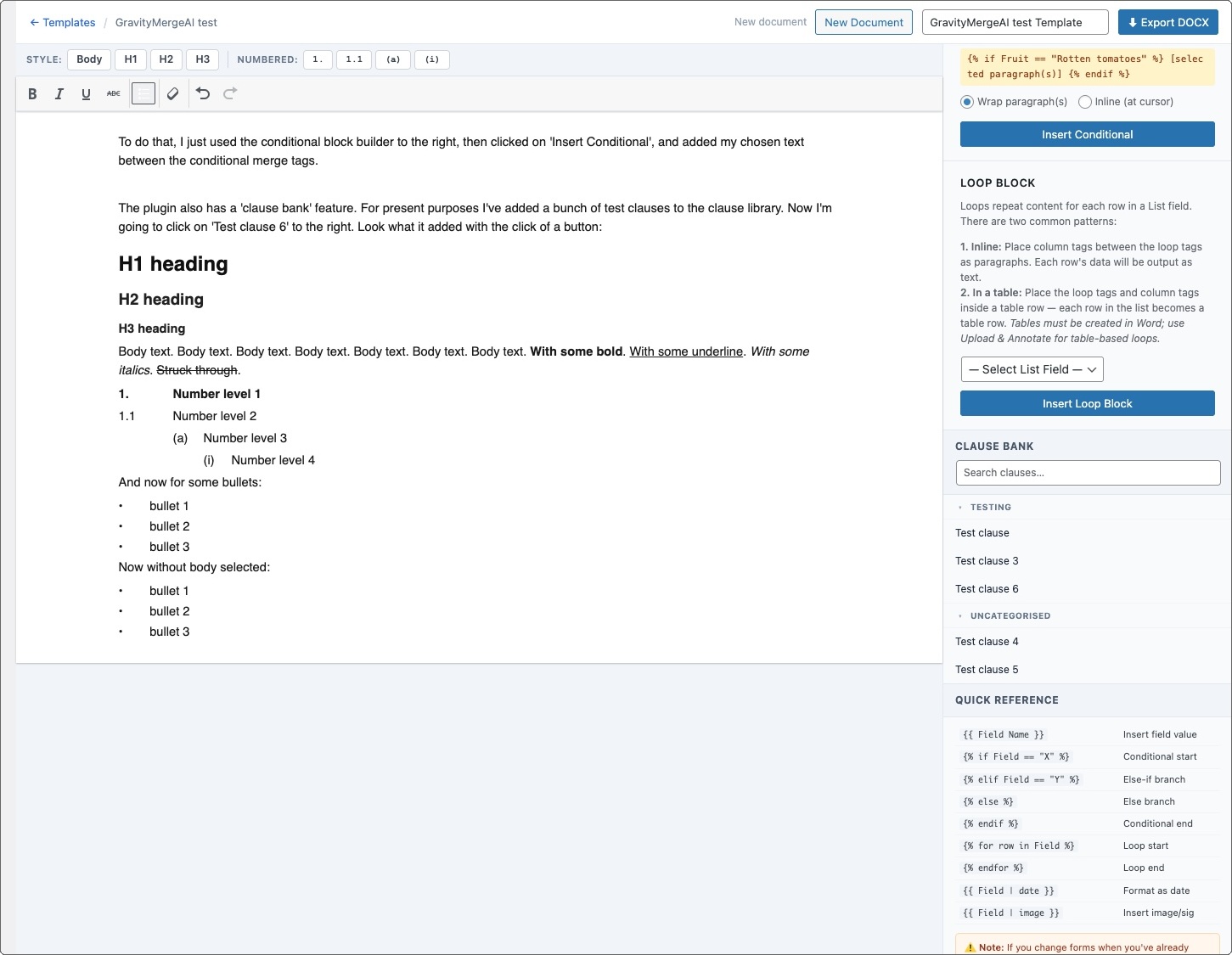
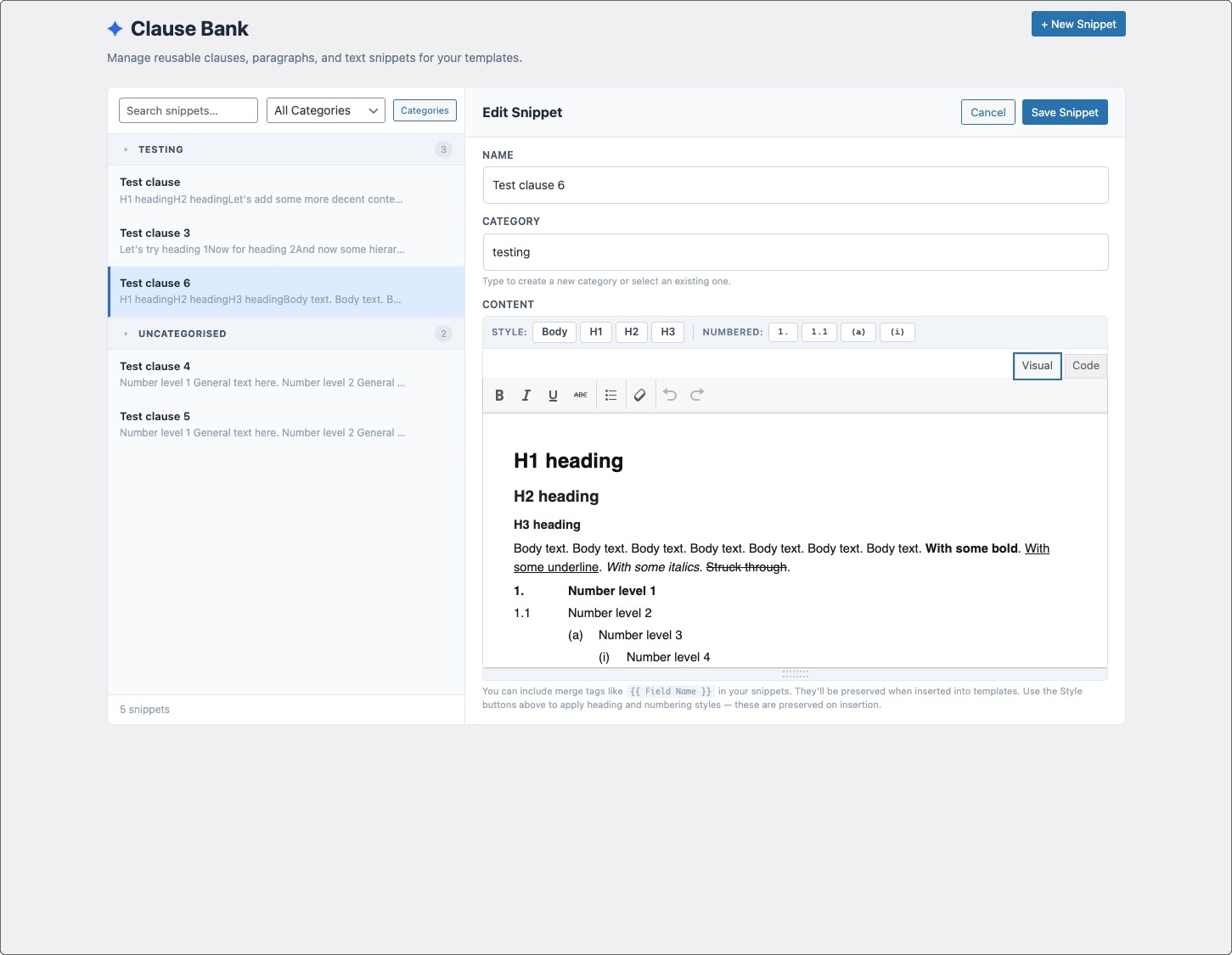
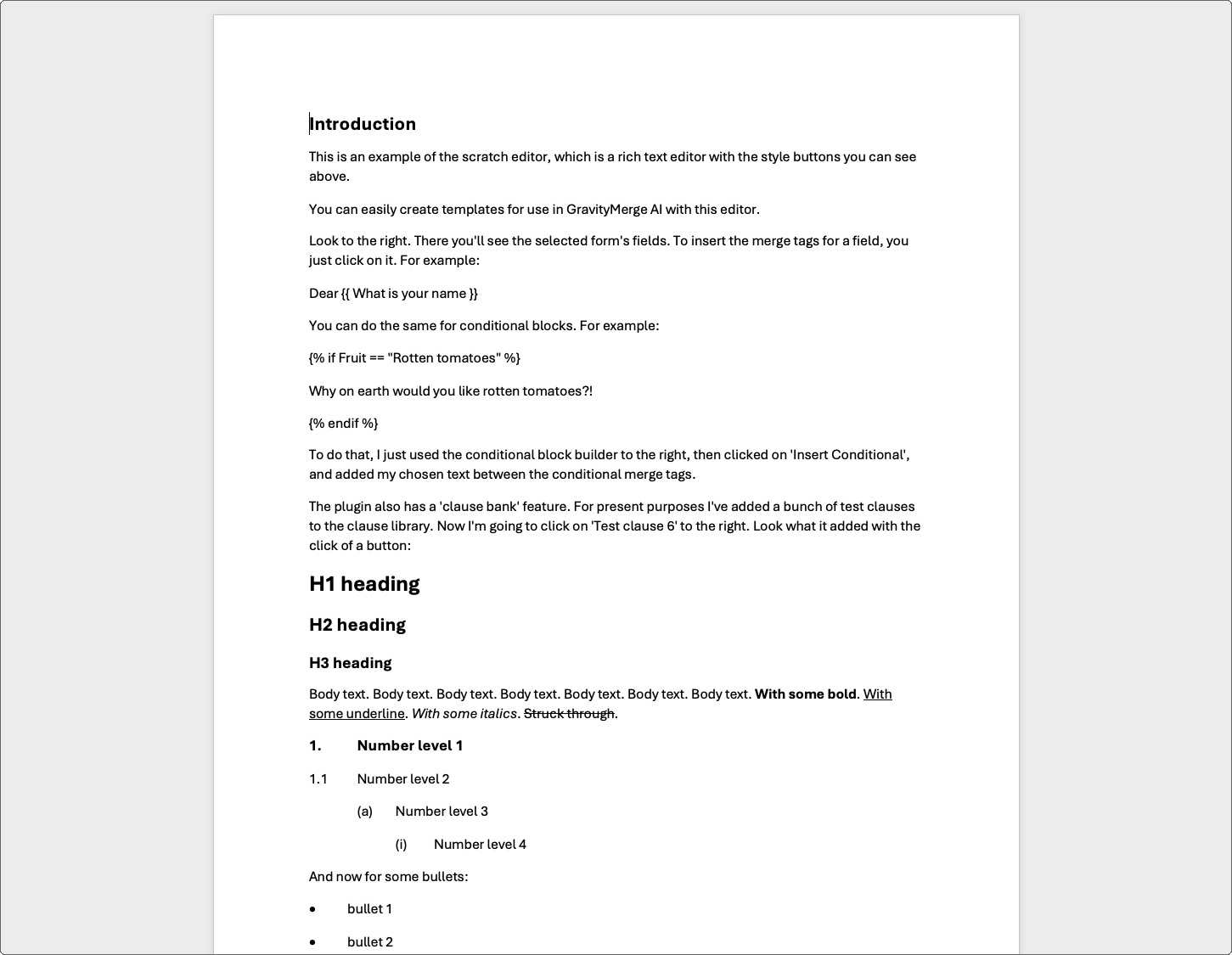
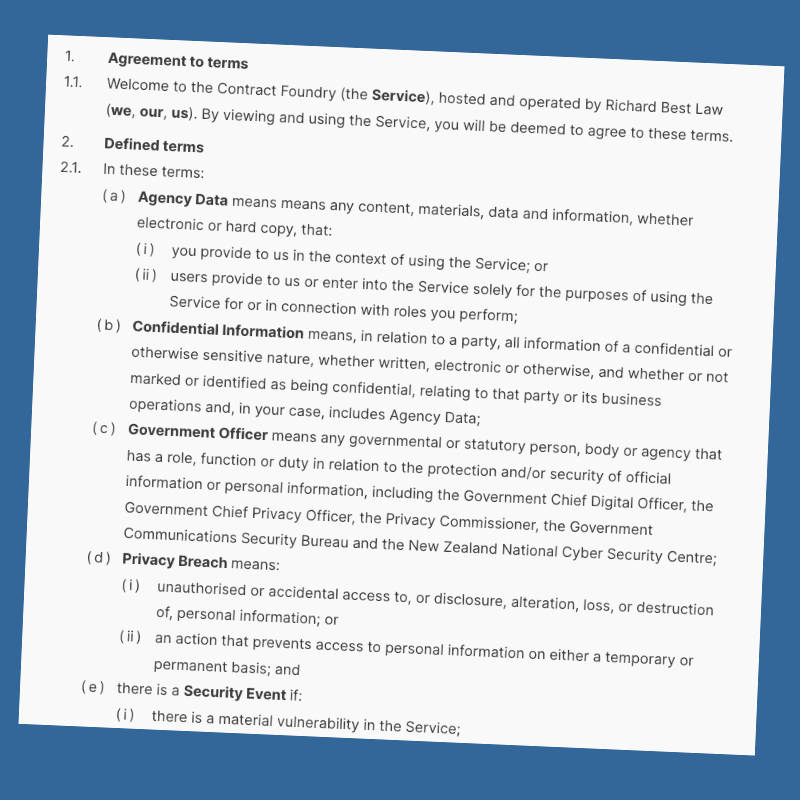
- Hierarchical numbering: The scratch editor supports four levels of numbered styles (1. / 1.1 / (a) / (i)) commonly used in legal documents. Numbering is preserved in the exported .docx file.
- Style toolbar: Apply heading levels (H1, H2, H3), body text, and numbered paragraph styles directly in the editor.
- Rich text formatting: Bold, italic, underline, strikethrough, and bullet lists. All preserved in the exported document.
- Clause Bank: Store and organise reusable text snippets such as standard clauses, boilerplate paragraphs, disclaimers, etc. Insert any snippet into your template with a click.
- Autosave and session restore: Your work is saved automatically. If you navigate away or close the browser, you can pick up where you left off.
- Download .docx: Download your finished template as a production-ready .docx file, suitable for uploading to GravityMerge AI.
- No AI or API key required: Template Designer runs entirely locally in WordPress. No API calls, no external dependencies.