GravityMerge AI
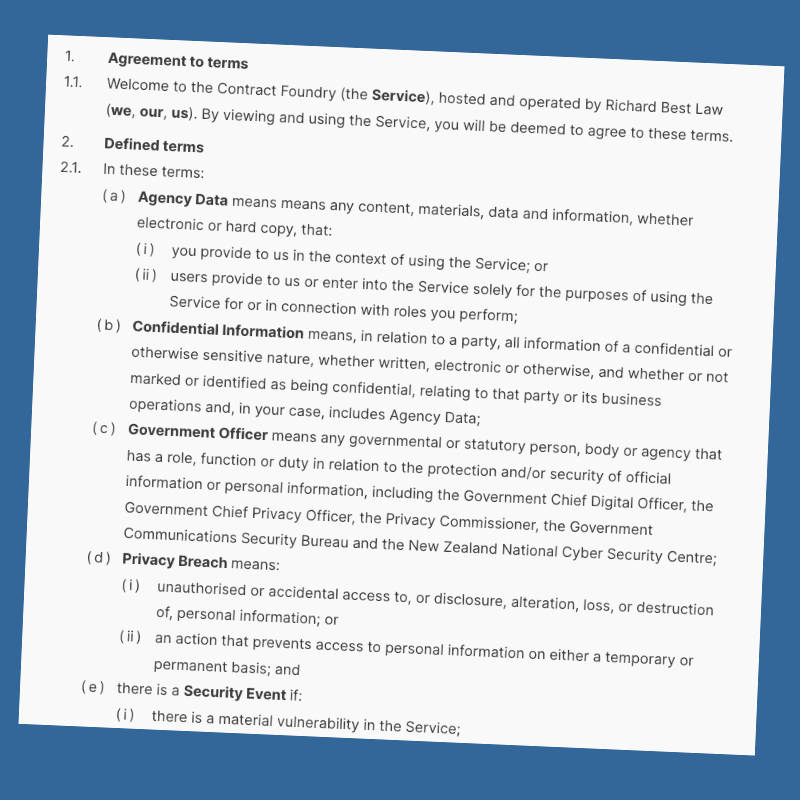
Deterministic DOCX automation for Gravity Forms with optional AI-powered assistance. Upload Word templates, use readable merge tags like {{ Field Label }}, and generate finished DOCX documents automatically from Gravity Forms submissions. Add AI Fields to your form if you'd like Claude to generate content to insert into your finished document.
Features
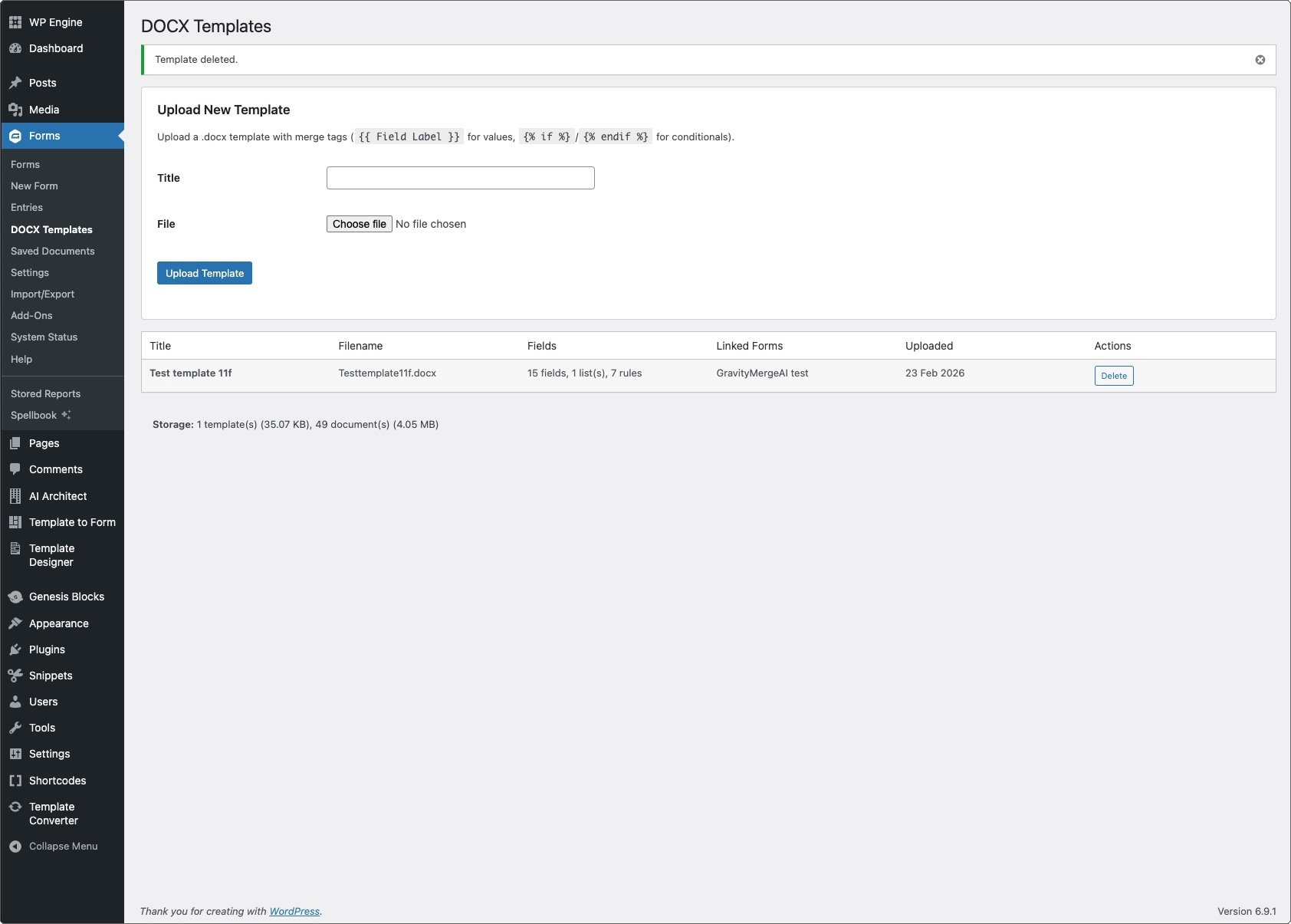
- Easy to use: Build your form, upload your DOCX template, map it to your form, then publish a confirmation page with a download button (and/or email delivery).
- Readable merge tags: Use {{ Field Label }} in your Word template (not numeric field IDs), so templates stay navigable and maintainable.
- Conditional content: Include or exclude paragraphs and sections with {% if %} … {% endif %} merge tags. Supports compound conditions, emptiness checks, comparisons, and “contains”.
- List-field loops: Populate repeating rows from Gravity Forms List fields using {% for row in List Field %} … {% endfor %}. Ideal for tables and schedules.
- Image support: Insert into your built document an image uploaded through the form.
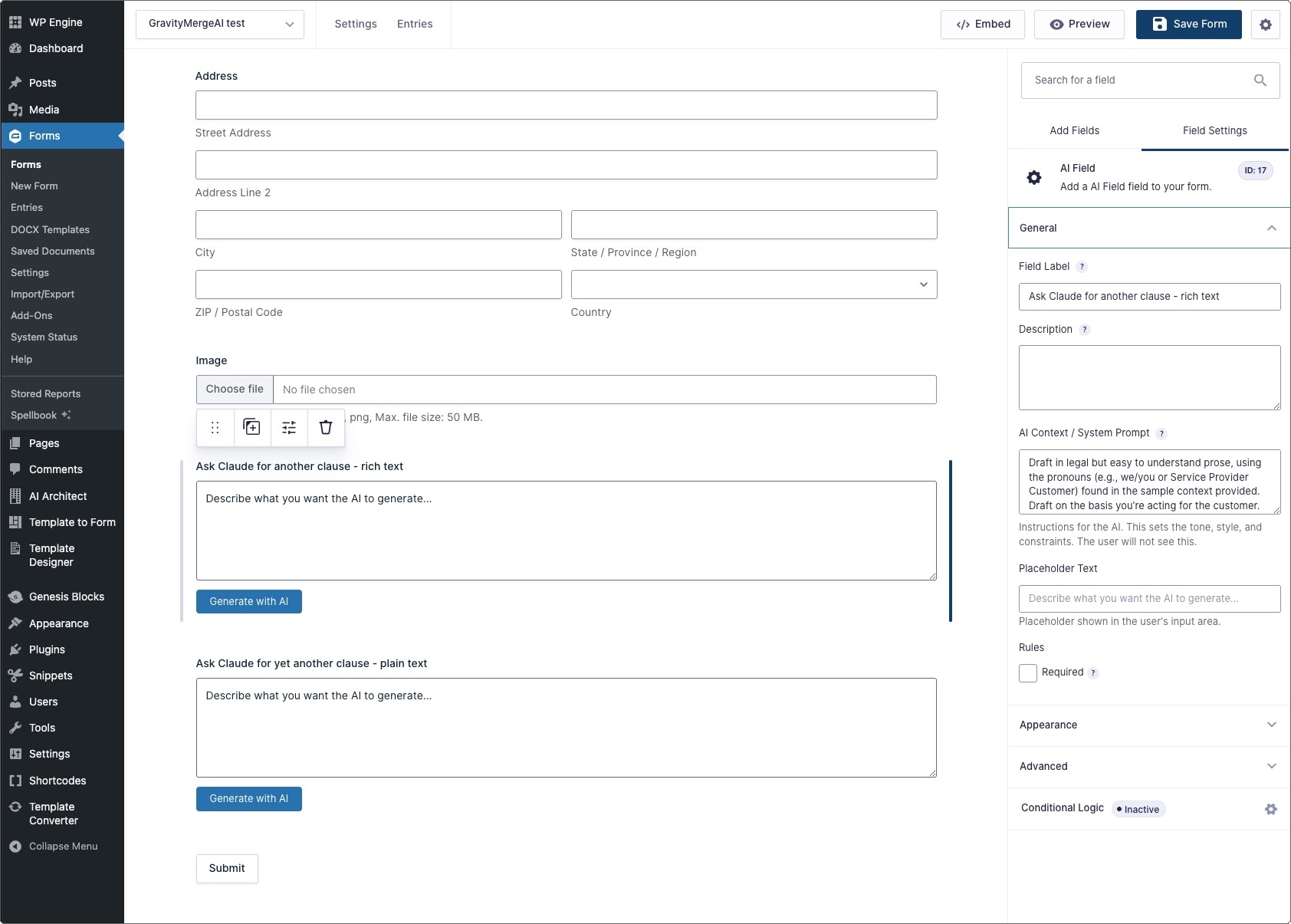
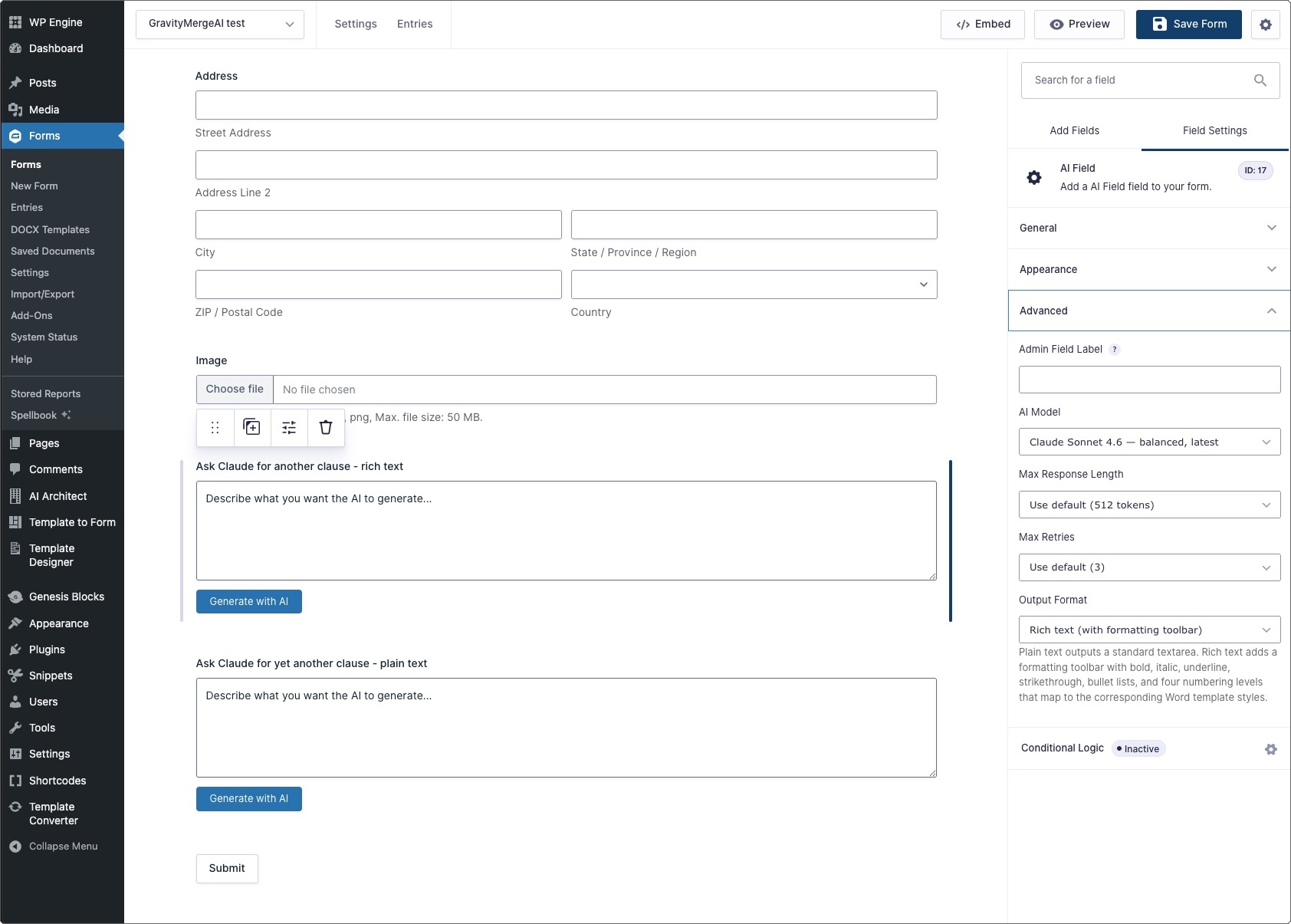
- Optional AI Field (using Anthropic's Claude): Add an AI-powered field type to generate content via Claude. Requests are nonce-protected and restricted to logged-in users.
- Word-specific reliability fixes: Automatically consolidates Word’s fragmented XML runs so tags don’t “look correct” but fail at merge time.
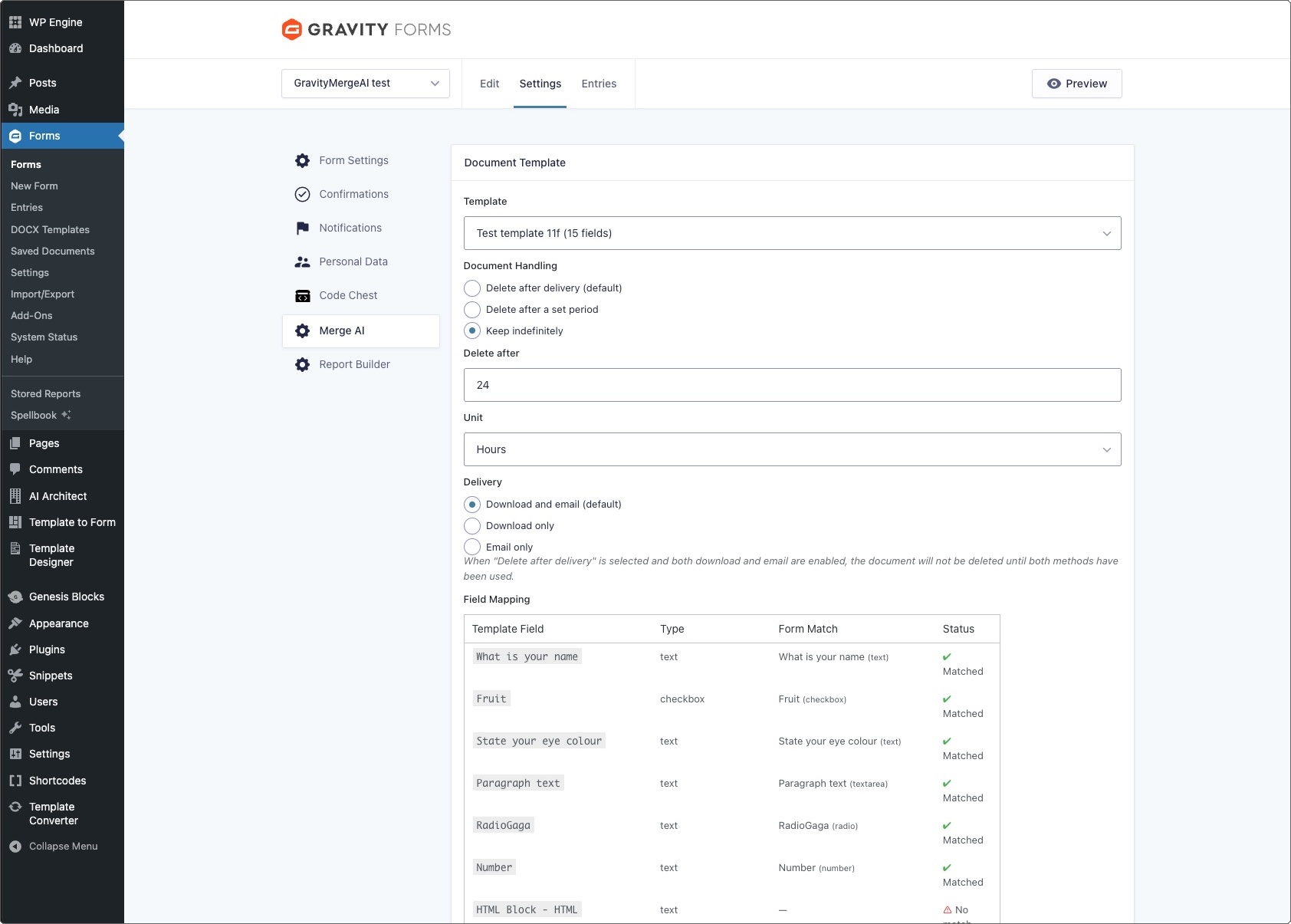
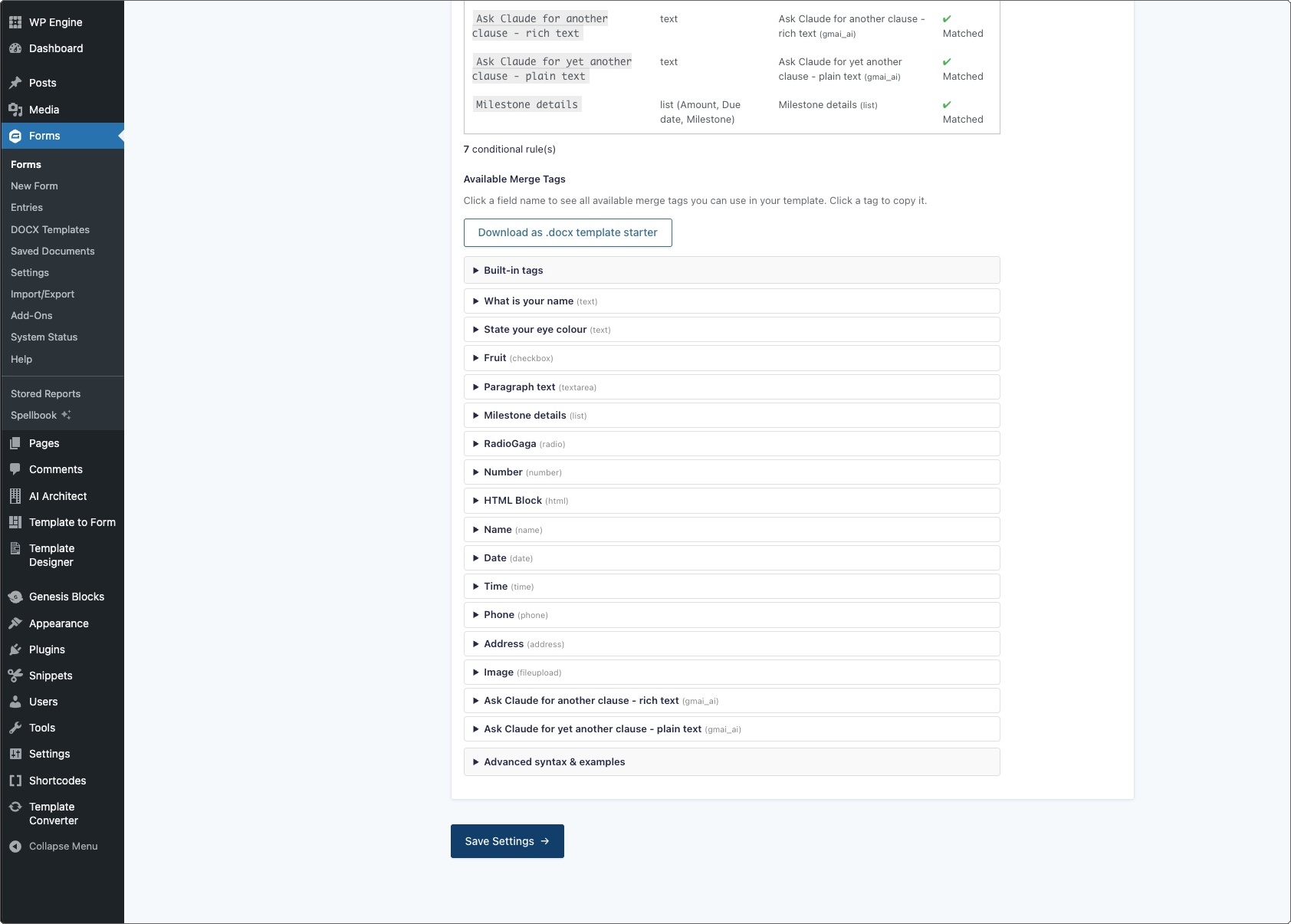
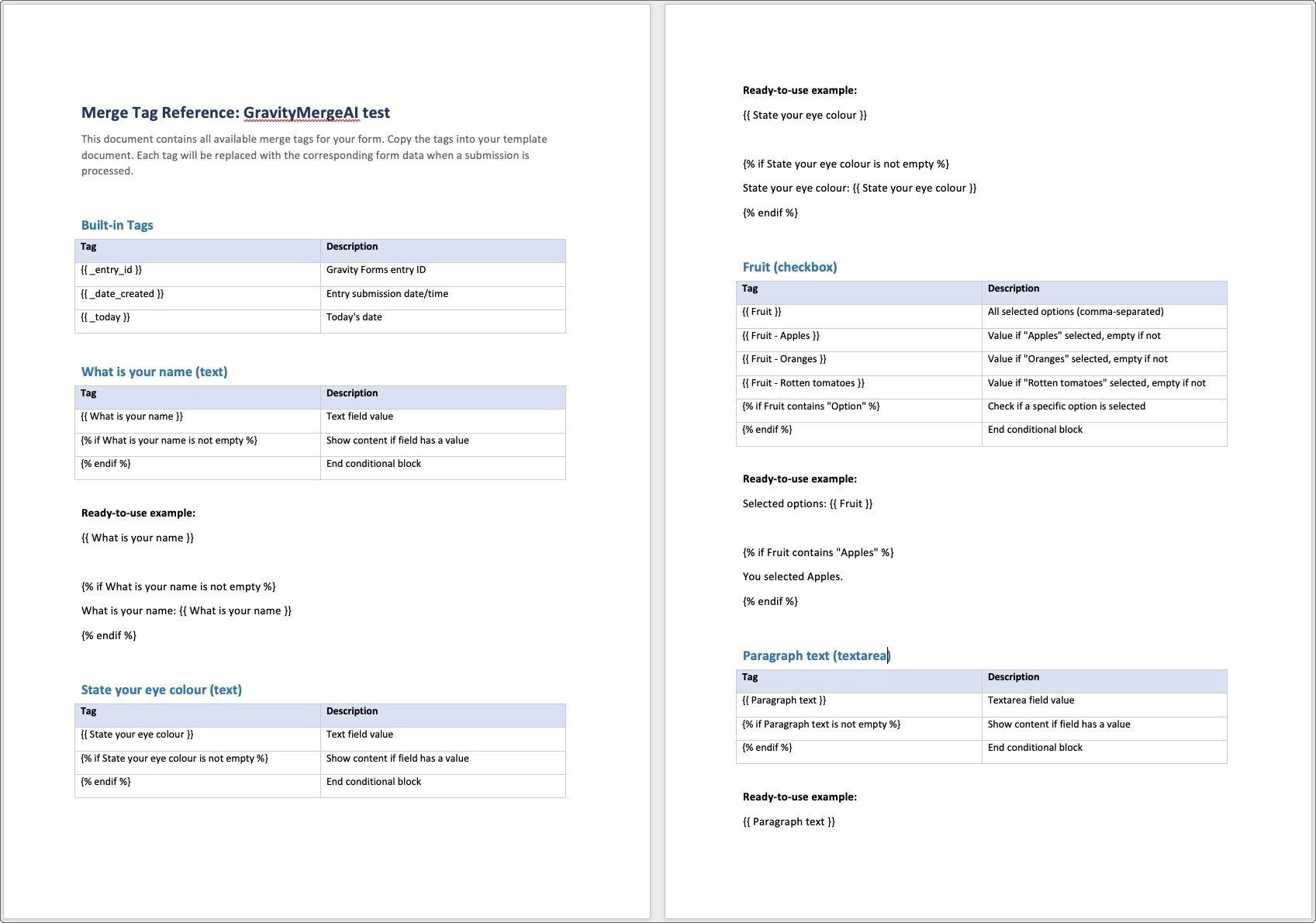
- Form-specific merge tags: In a form's settings page, you can see a list of all available merge tags you can use in a template that you may wish to connect to the form, and you can also download a .docx starter template that contains those merge tags.
- Template validation on upload: Templates are inspected to detect merge fields, loops, and conditionals, and saved with helpful metadata for troubleshooting.
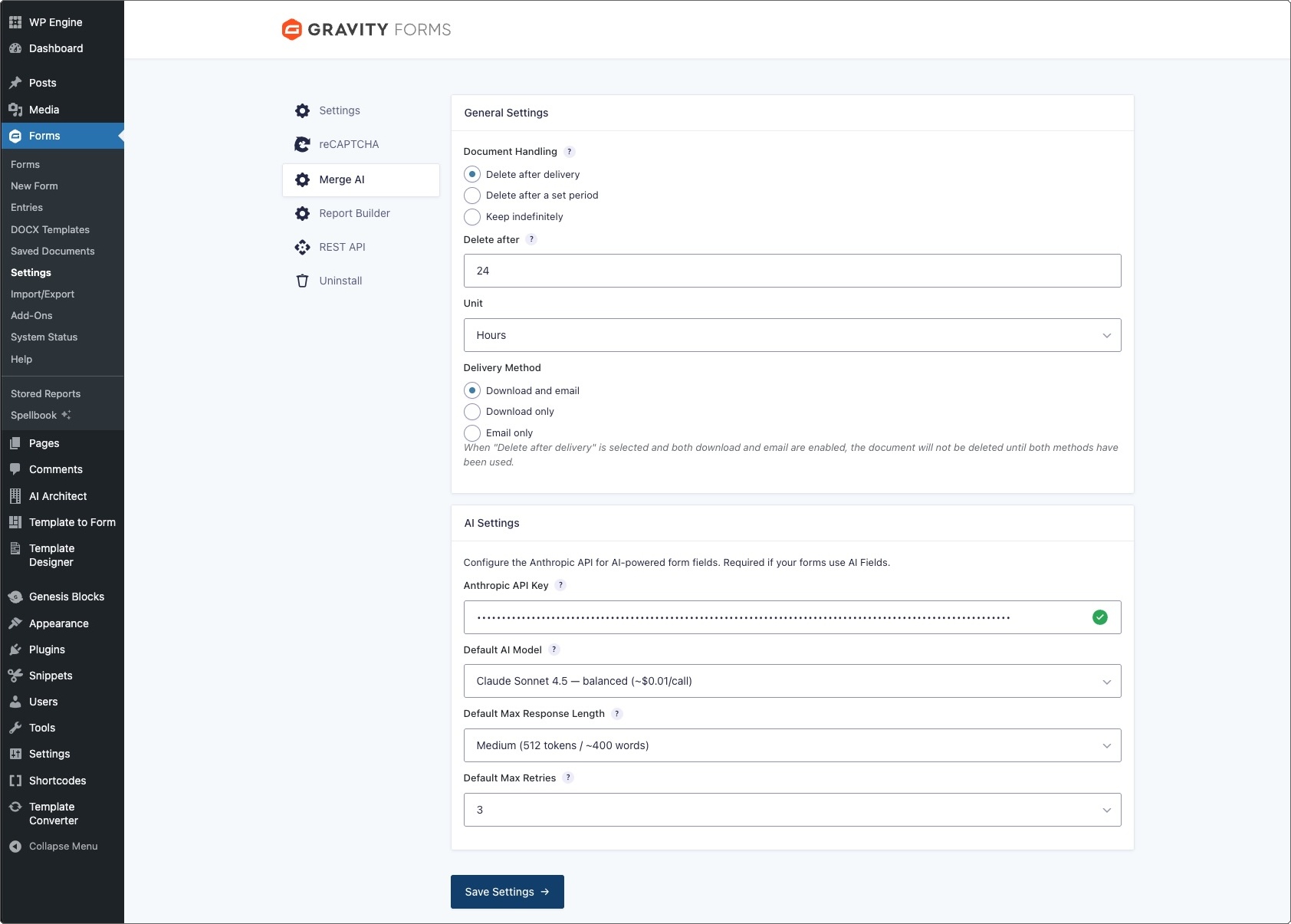
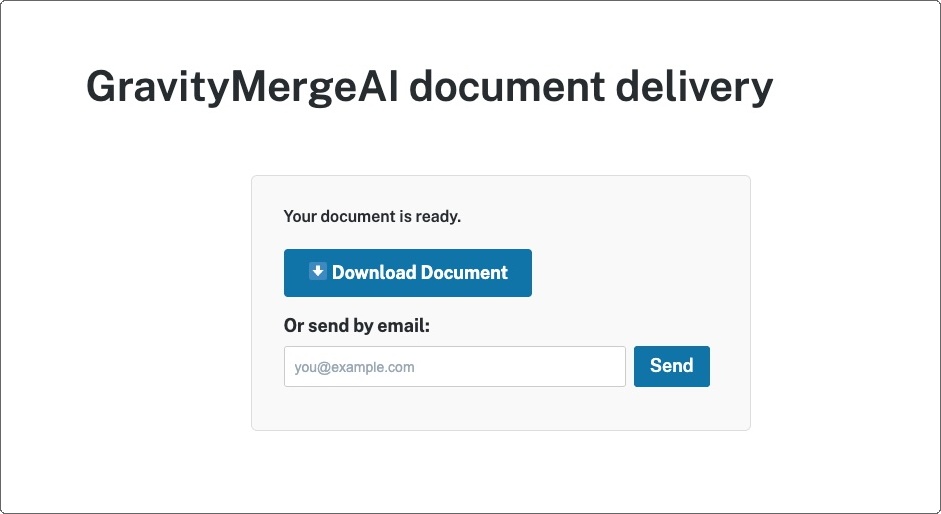
- Delivery built in: The form submitter can download the built document or send it to an email address or both. Configurable per form.
- Attach document to notification emails: Built documents can be attached to notification emails through an option in the form's notifications settings.
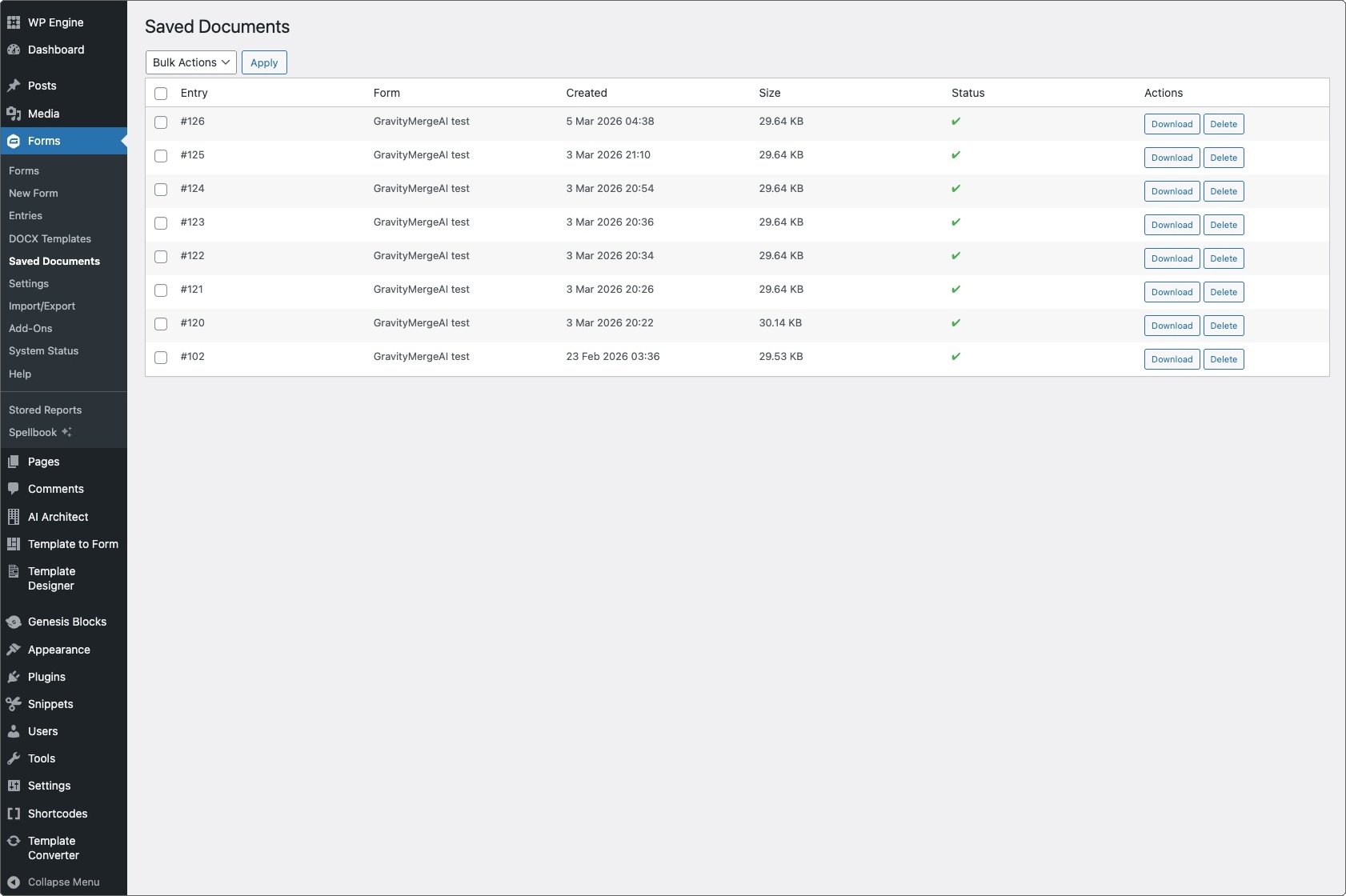
- Retention controls: Keep merged documents, delete after delivery, or delete after a configured period. Includes an admin “Saved Documents” area.