Do I need GravityMerge AI to use Architect?
GravityMerge AI is not strictly required to run Architect, but the generated template is designed for use with GravityMerge AI merge tags. You will need GravityMerge AI to use the template Architect produces.
Do I need an Anthropic API key?
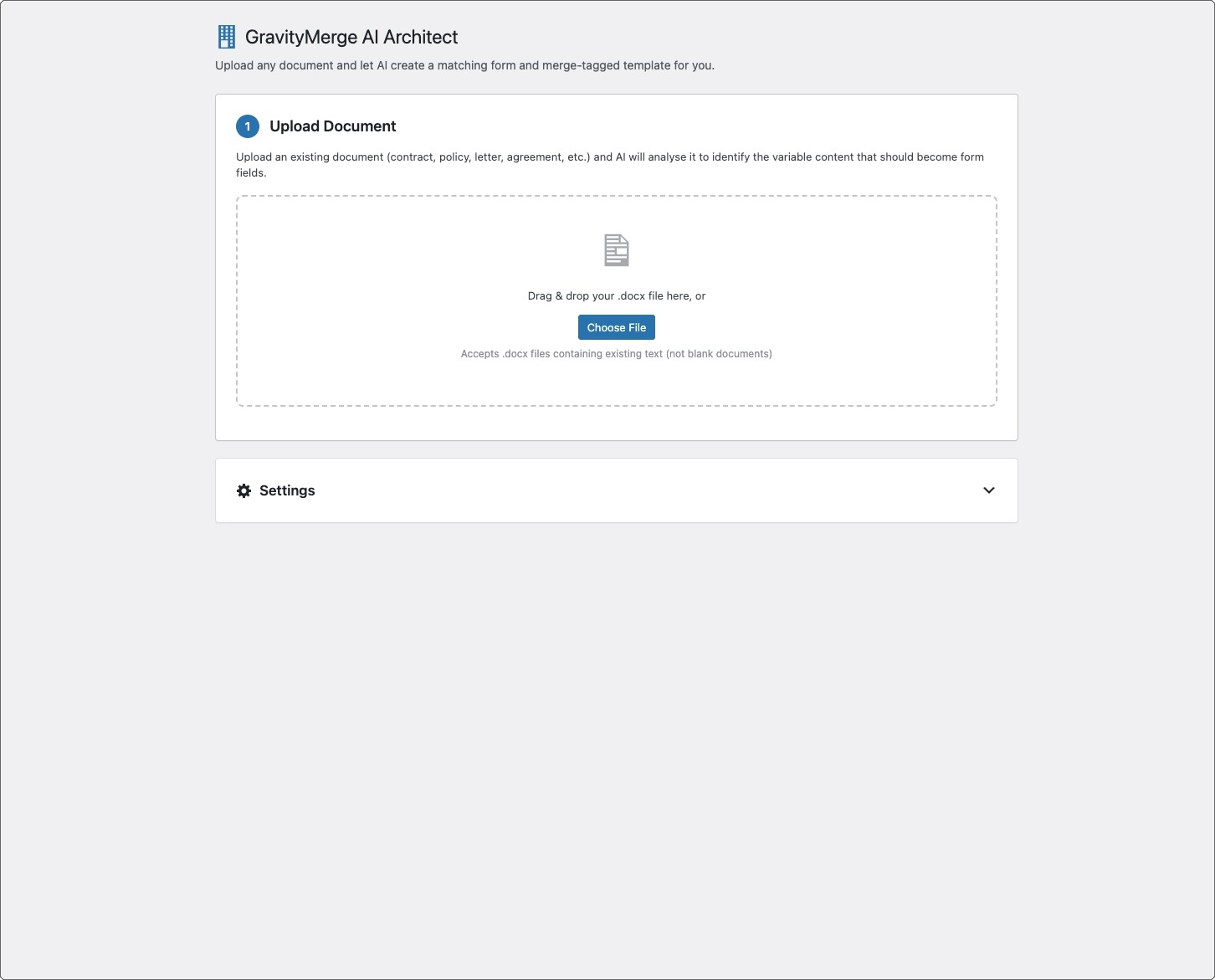
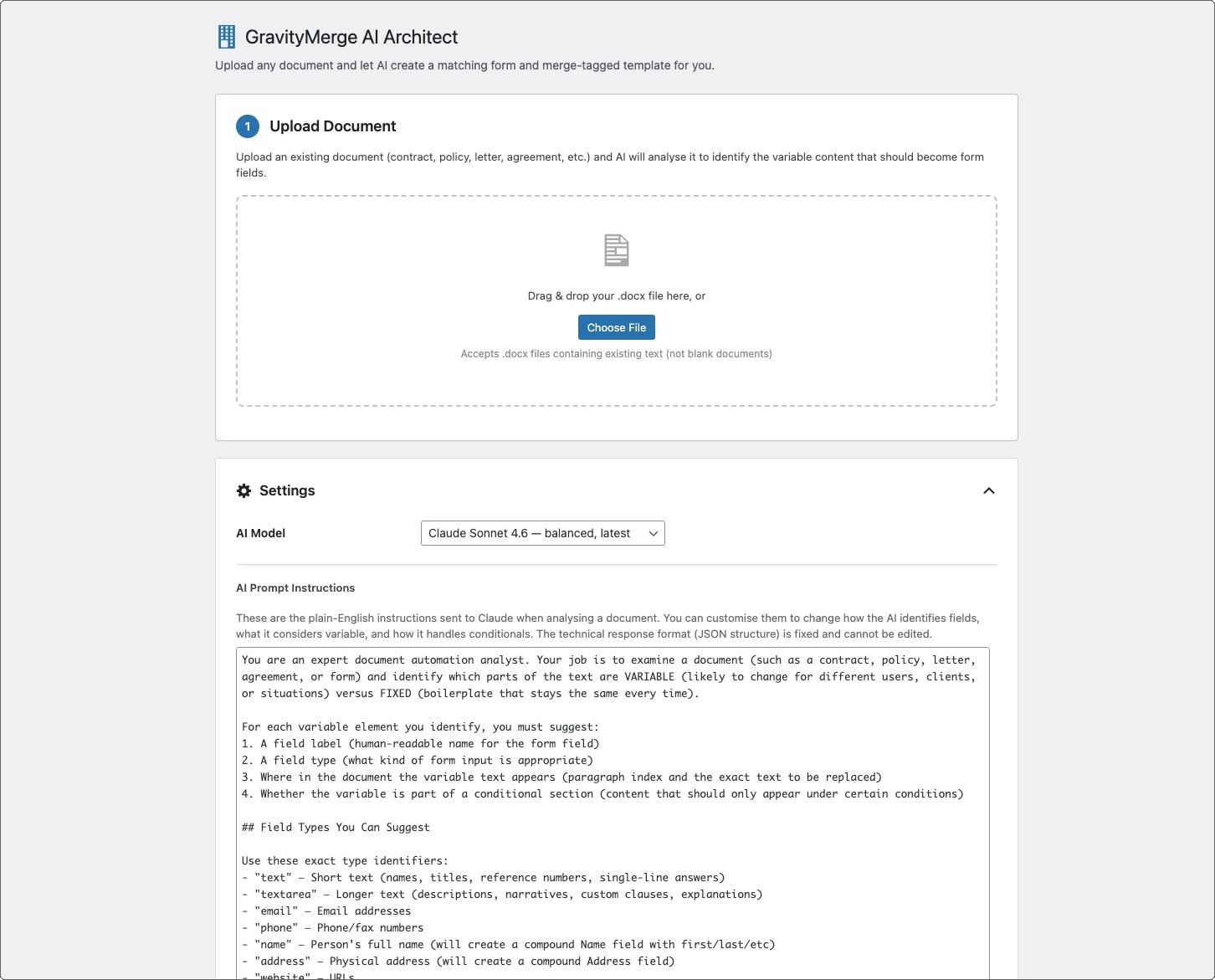
Yes. Architect uses Claude to analyse your document. It will use the key configured in GravityMerge AI settings if that plugin is active, or you can enter a key directly in Architect's settings.
What types of documents work best?
Text-based documents with real content filled in, such as a completed contract with actual names and dates.
How long does the analysis take?
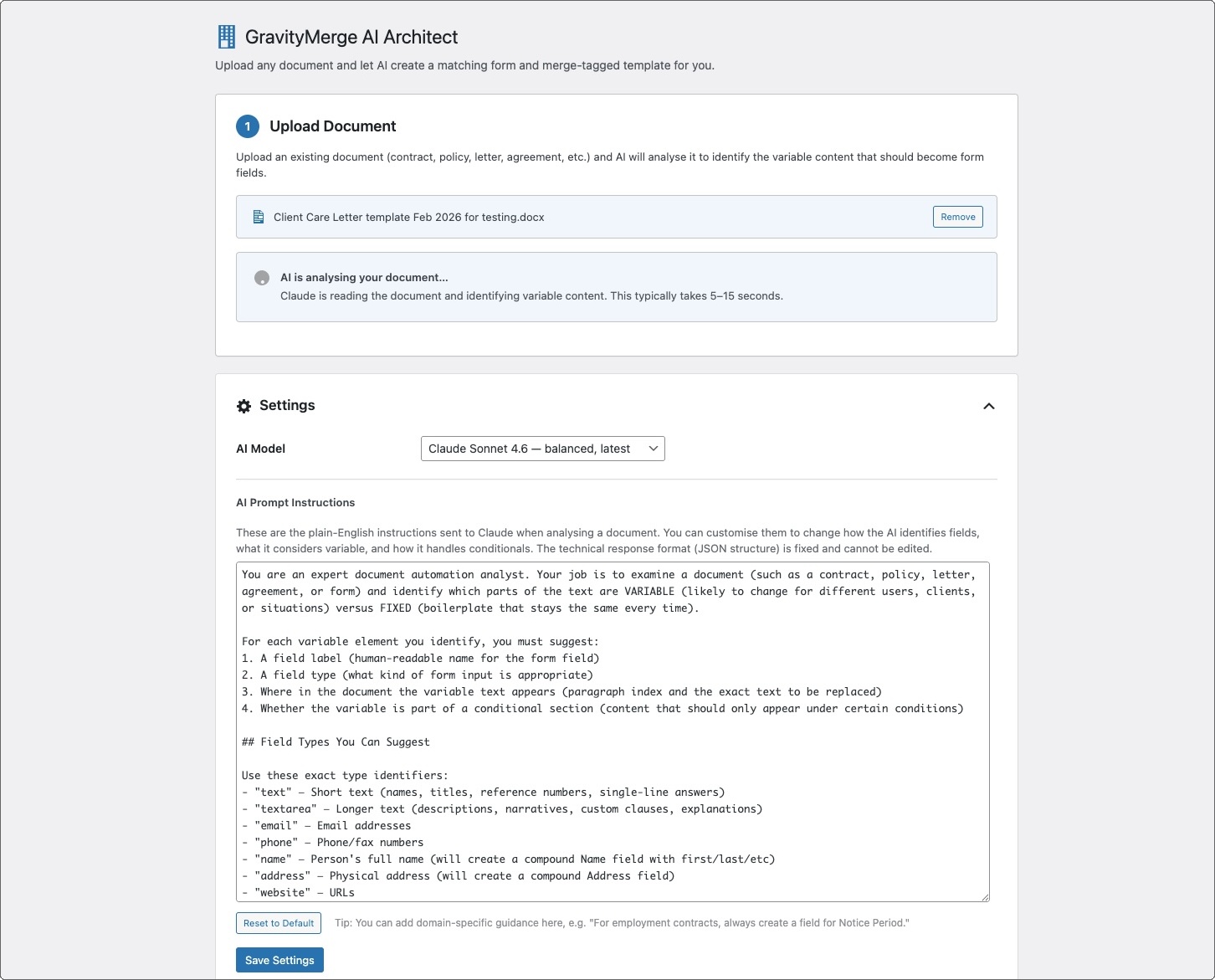
Typically 5–15 seconds depending on document length and complexity. Possibly more if there's traffic congestion.
What does it cost per analysis?
Each analysis makes one API call to Claude. For a typical document using Sonnet, expect roughly $0.01–0.05 per analysis.
Can I re-run the analysis?
Yes. You can upload the same or a different document and run the analysis as many times as you like.
Does it create the form and template automatically?
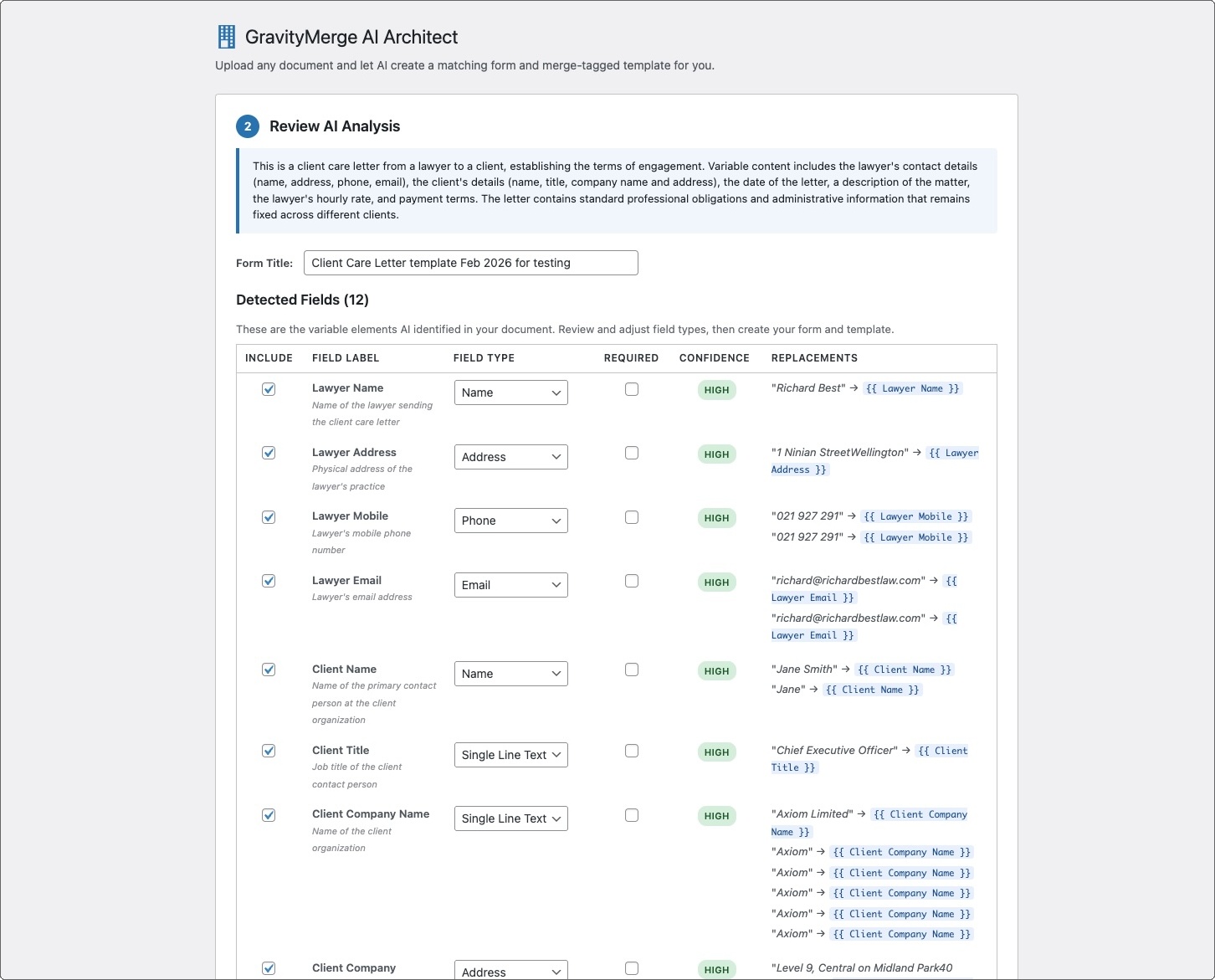
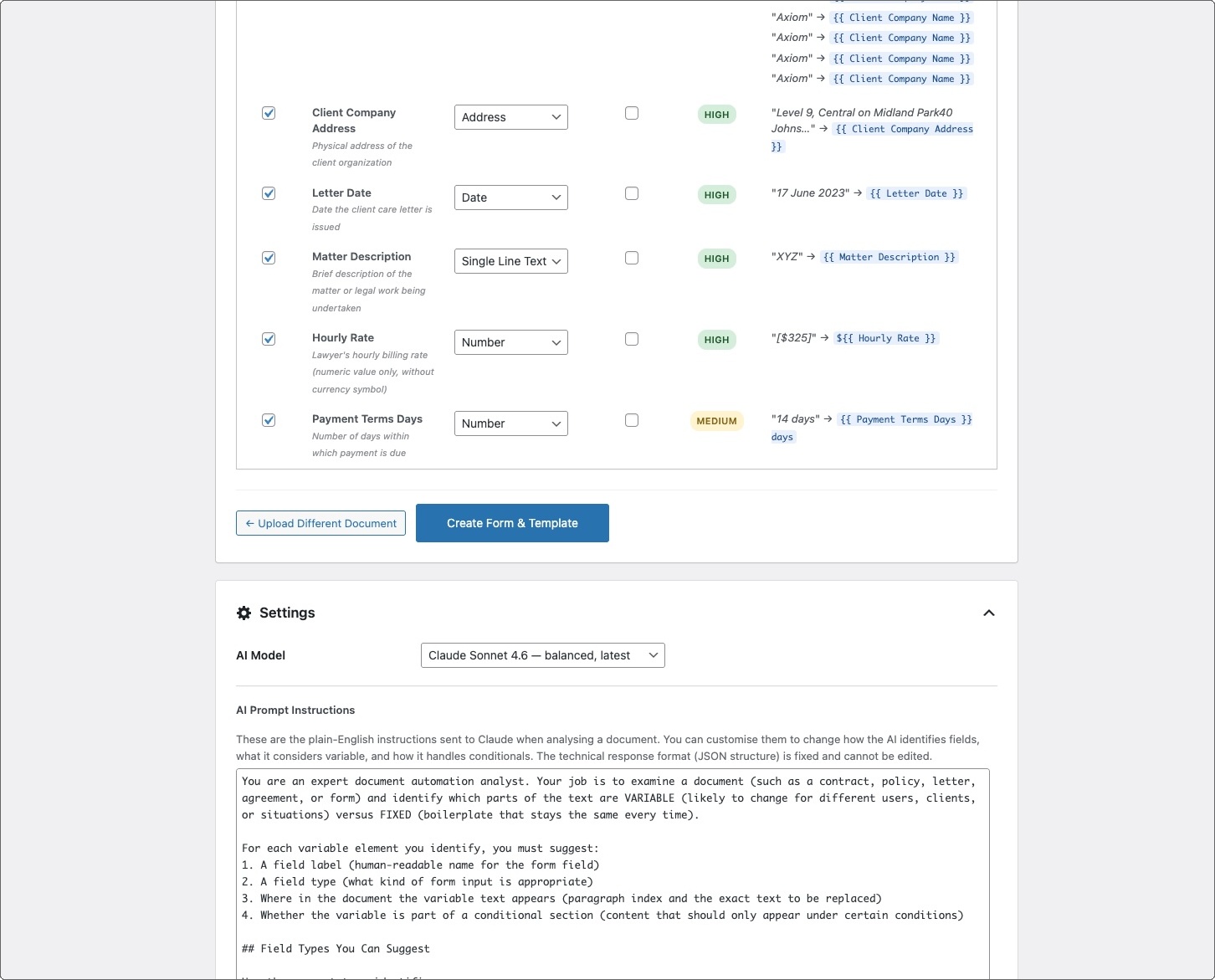
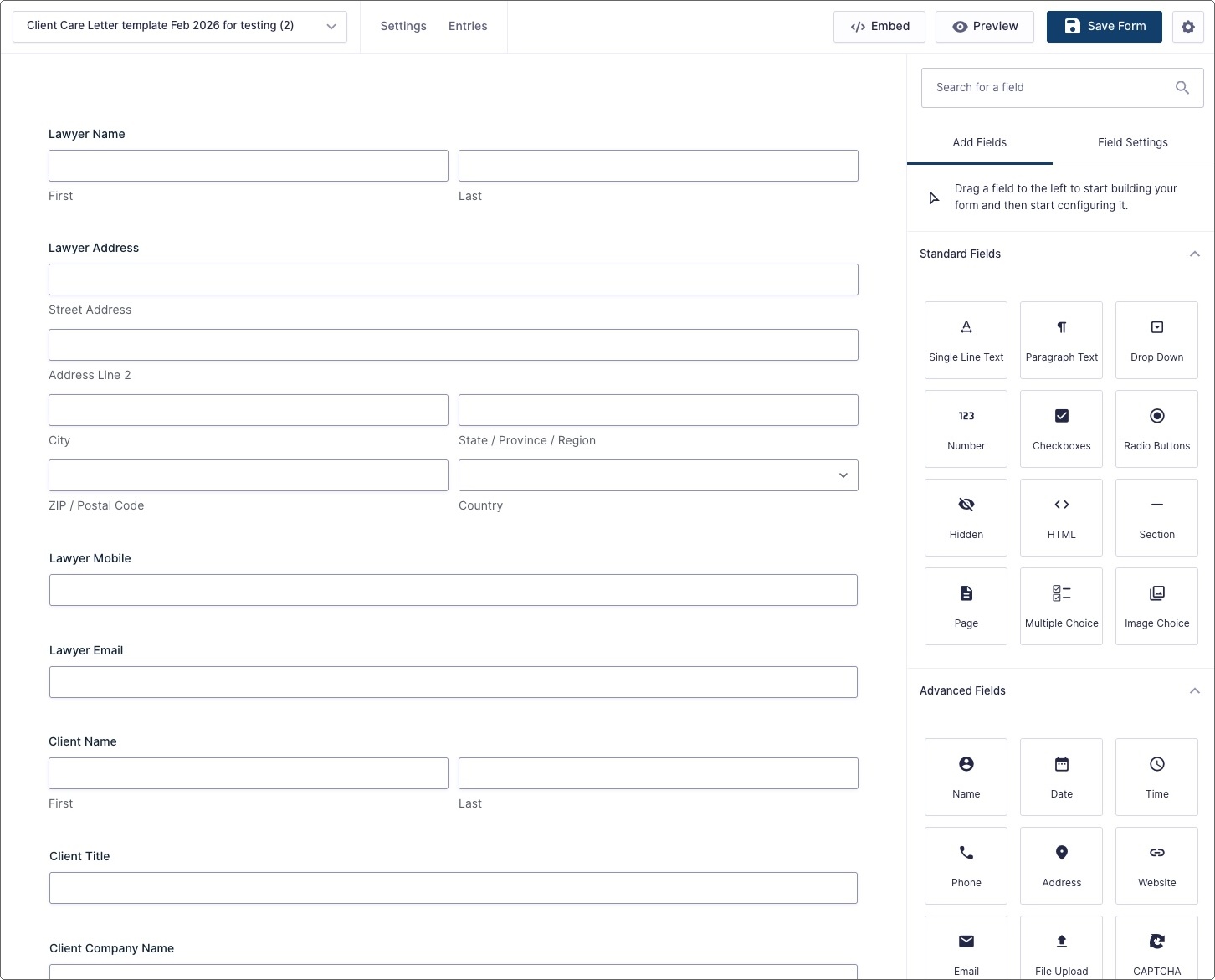
Yes. After you review and adjust the detected fields, Architect creates both the Gravity Forms form and the merge-tagged .docx template. After making any desired changes to the template, you then link the template to the form in GravityMerge AI settings.
Does the generated template preserve my document's formatting?
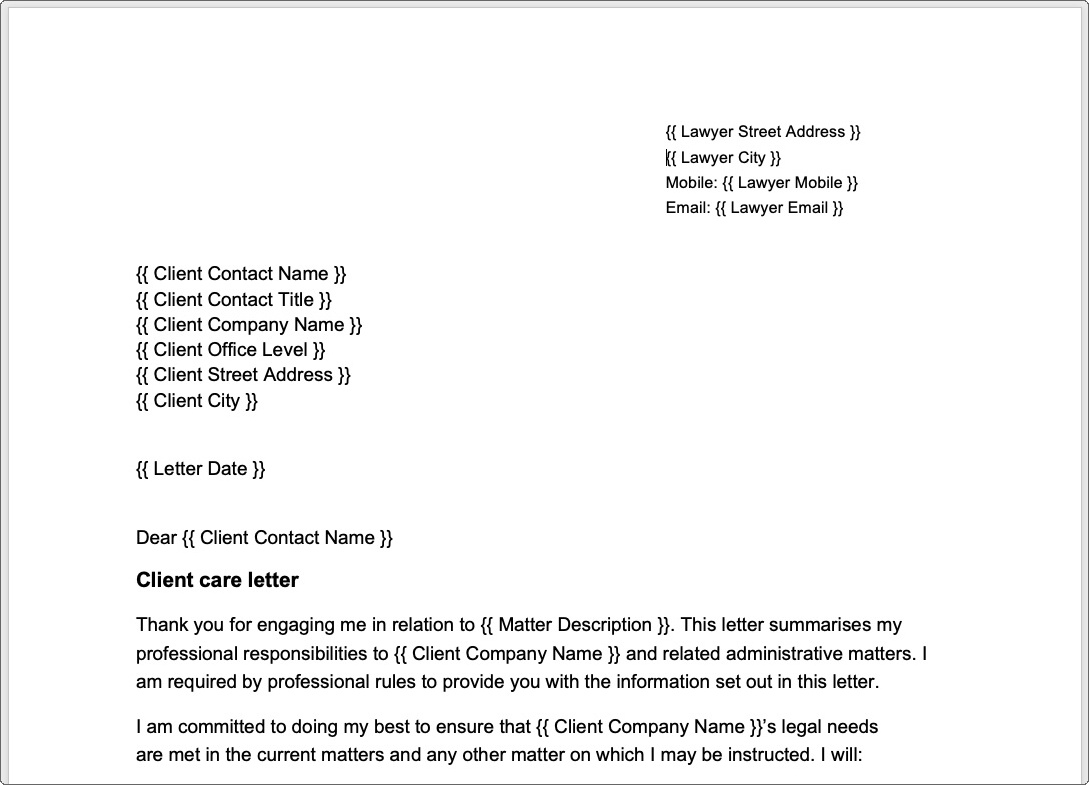
Architect works from your original .docx file. It replaces the variable content with merge tags while preserving the document's existing formatting, styles, and structure.
Will the template be perfect?
That depends on the nature and complexity of the document. For example, simple letter templates with obvious merge tags will likely be correct. For more complex documents, you'll want to check the merge tags and may need to make some adjustments, but a major part of the grunt work will have been done.