GravityMerge AI Report Builder
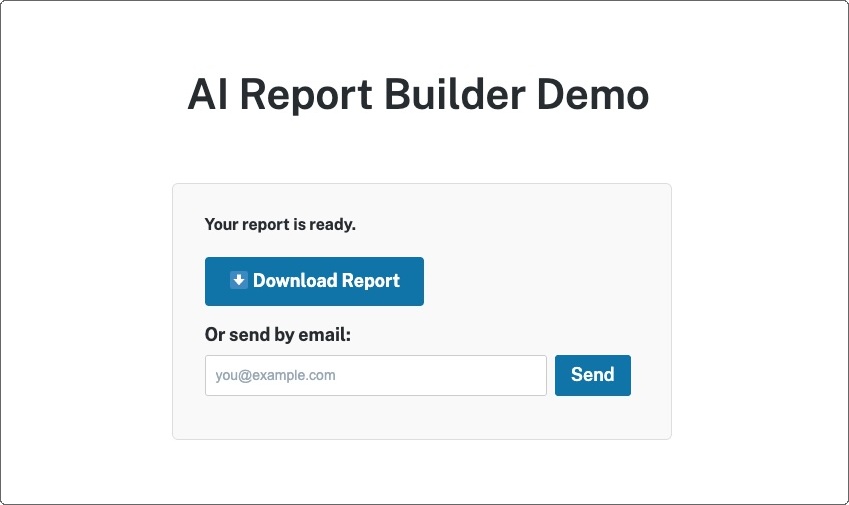
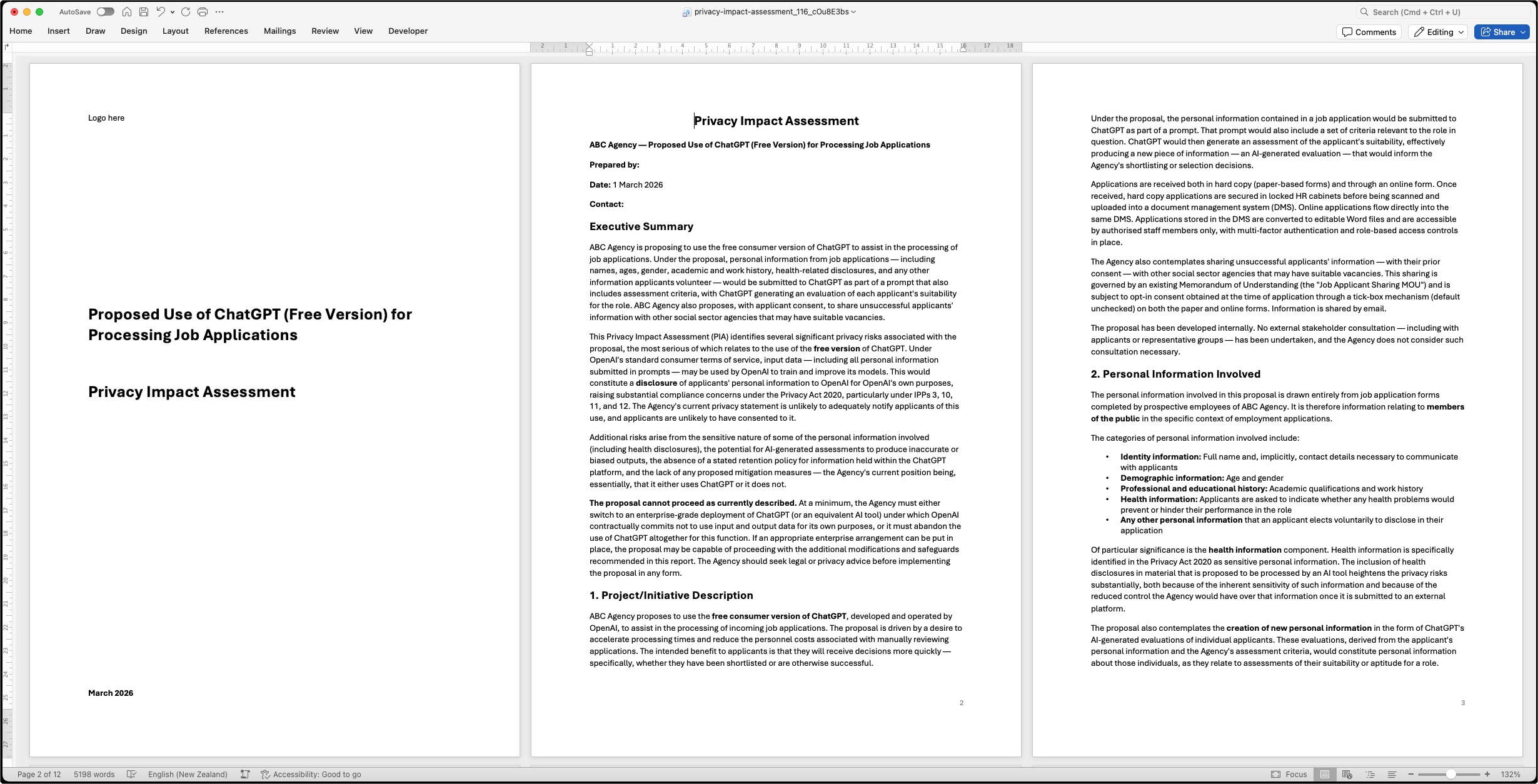
Report Builder takes a different approach to document generation. Instead of merging form data into a pre-designed template, it uses Claude to generate complete narrative documents from form inputs — flowing, professional prose shaped by your instructions, context documents, and optional style template. When a user submits the form, Claude generates the report and delivers it as a downloadable .docx file.
Features
- AI-generated narrative reports: Claude analyses form inputs and produces complete, flowing documents — not filled-in templates, but original prose that synthesises and analyses the data.
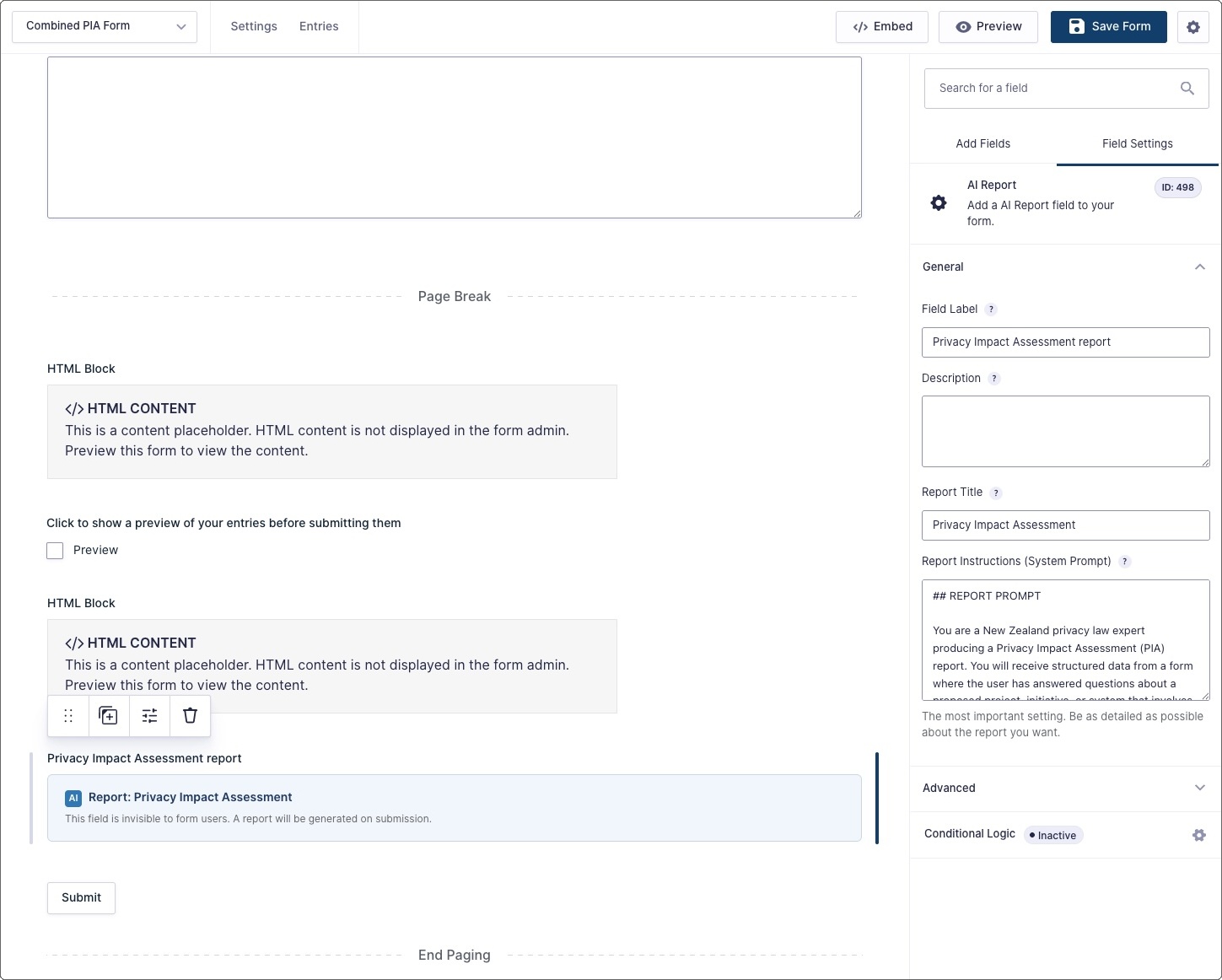
- Detailed report instructions: Configure a prompt telling Claude exactly how to structure the report, what framework or legislation to apply, what tone to use, and how to handle the form data.
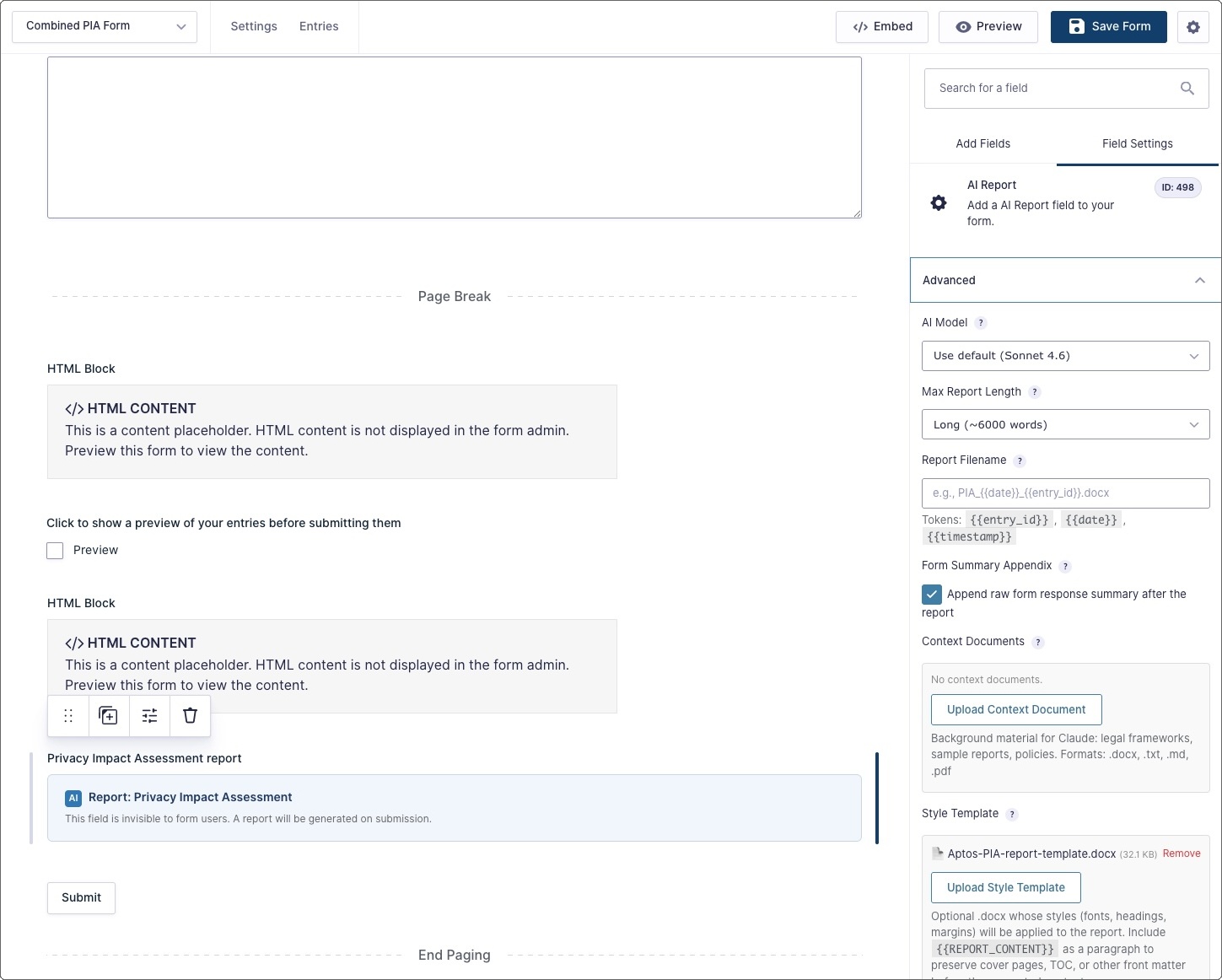
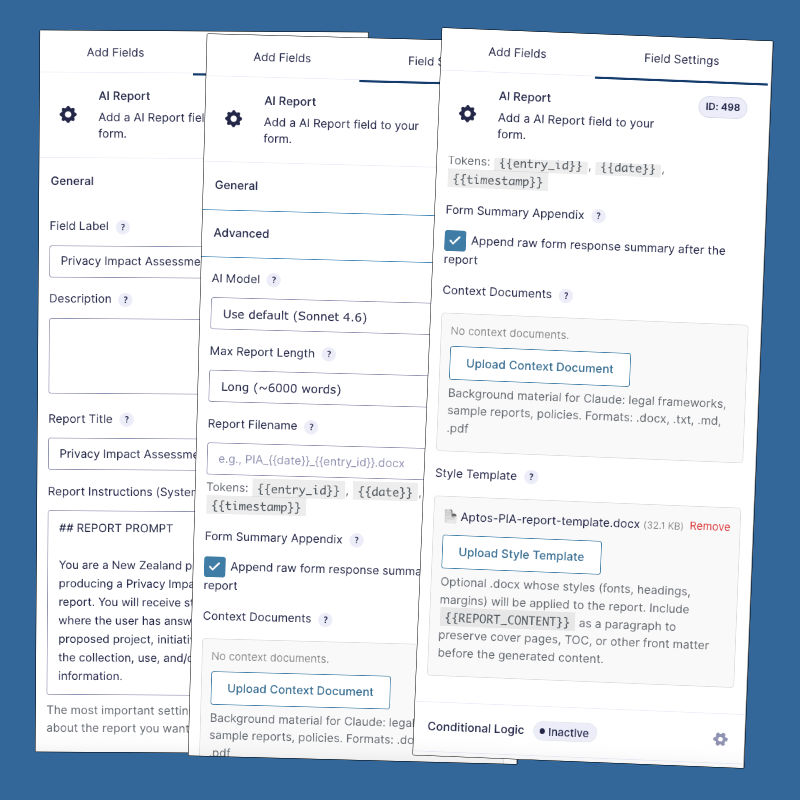
- Context documents: Upload reference material (.docx, .txt, .md, .pdf) - such as legislation, policies, regulatory guidance, sample reports - that Claude can draw on when generating the report.
- Style templates: Upload a .docx file to apply its styles (fonts, headings, margins) to the generated report. Include a cover page, table of contents, or other front matter by placing a {{REPORT_CONTENT}} marker in the template.
- Form summary appendix: Optionally append the raw form responses (Q&A format) after the report as a reference appendix. This appendix is generated directly by the plugin (not by AI).
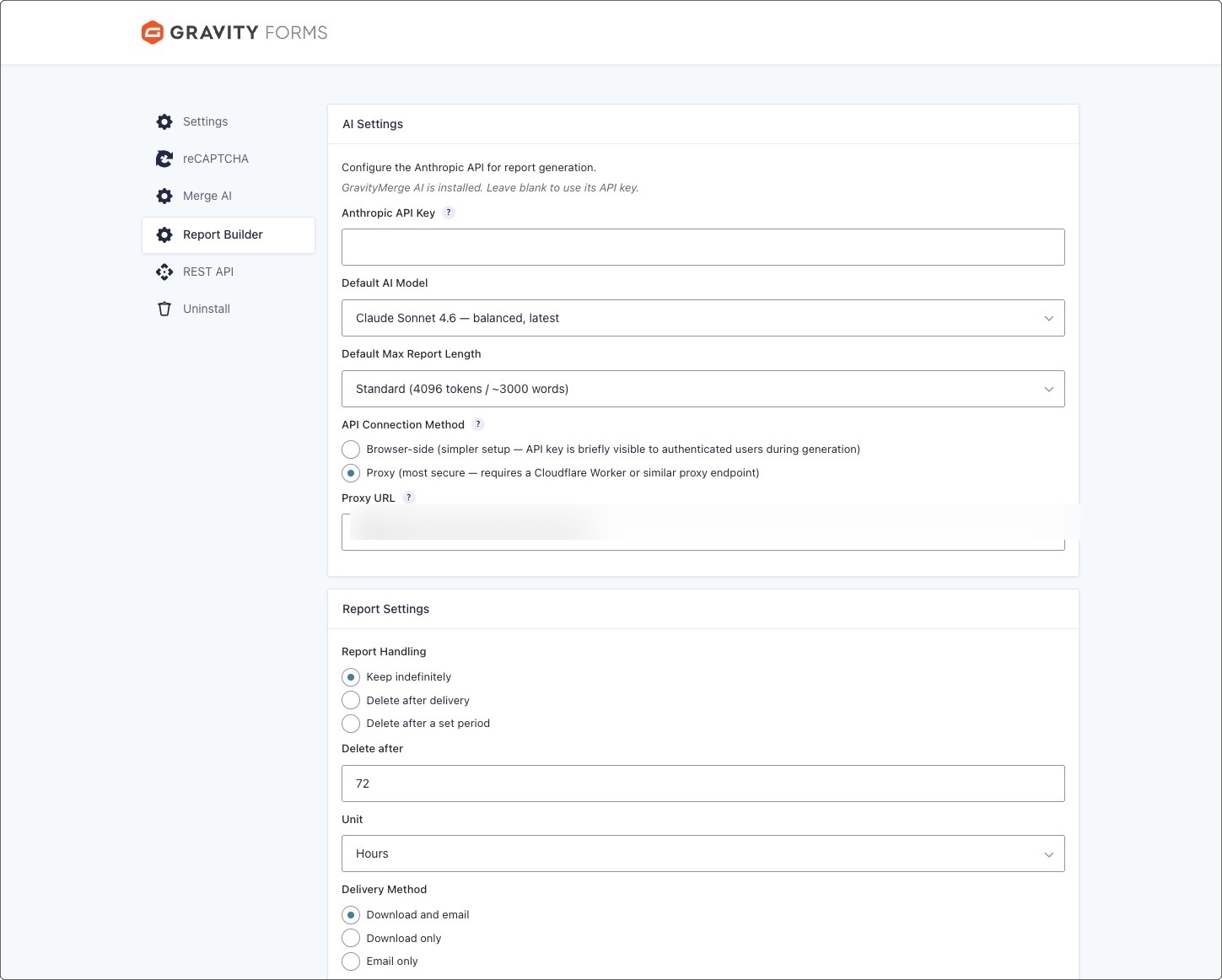
- Configurable AI model: Choose from Claude Haiku (fastest, lowest cost), Sonnet (balanced), or Opus (most capable).
- Adjustable report length: Set the maximum output length from short (~750 words) to very long (~12,000+ words).
- Custom filenames: Configure filename templates with tokens like {{entry_id}}, {{date}}, and {{timestamp}}.
- Multiple report fields per form: Add more than one AI Report field to a form. Combined with Gravity Forms conditional logic, different form answers can trigger different report configurations.
- Streaming via Cloudflare Worker proxy: For production use, the plugin can be configured to route API calls through a Cloudflare Worker to keep your API key off the browser and avoid hosting timeout limits. Cloudflare's free tier includes a generous number of requests per day.
- Browser-side generation option: For simpler setups where API key exposure is not a concern (e.g., in a trusted, password-protected environment), reports can be generated directly in the browser without any need for a Cloudflare proxy.
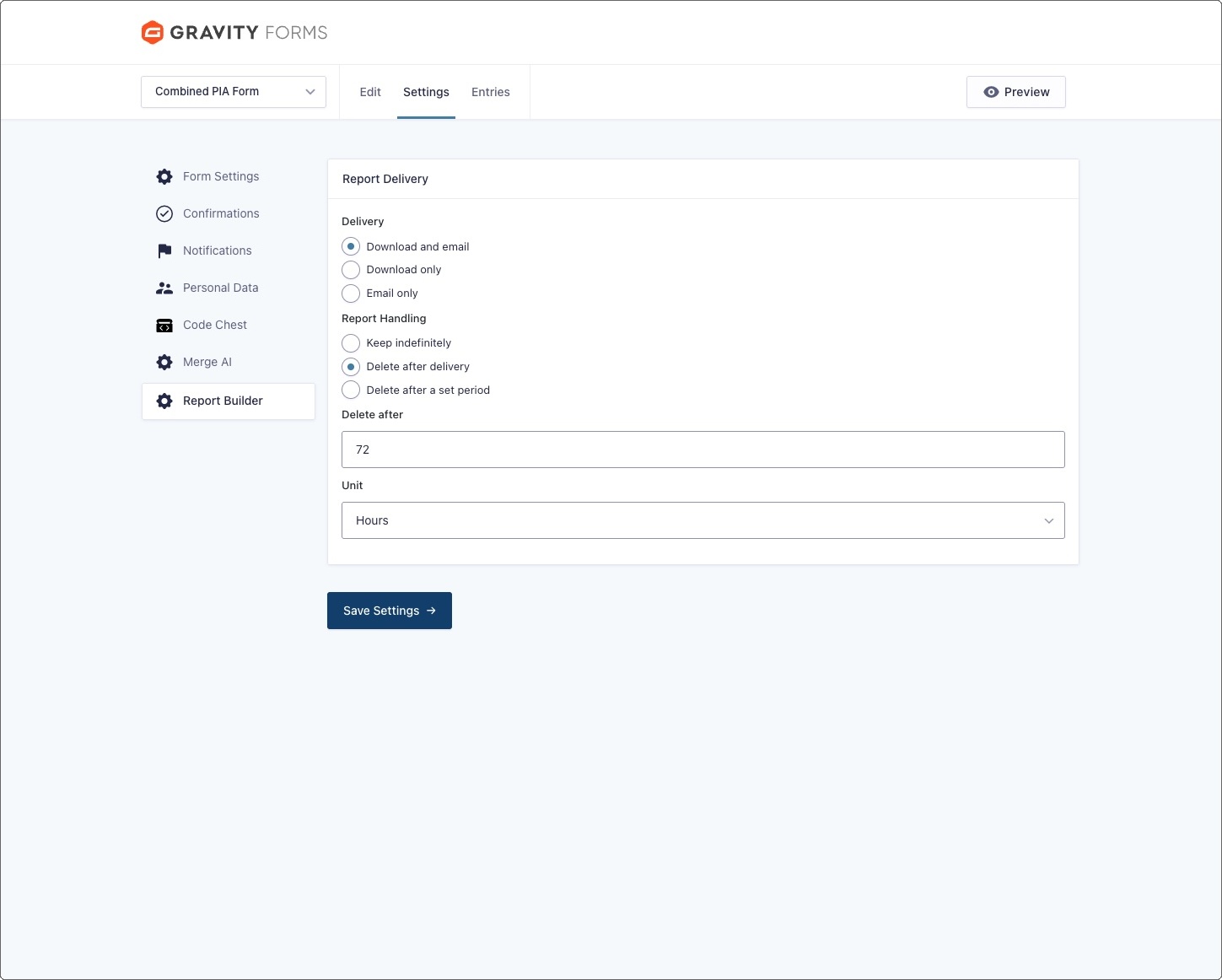
- Delivery built in: The form submitter can download the report or send it to an email address or both. Configurable per form.
- Retention controls: Keep reports indefinitely, delete after delivery, or delete after a configured period. Includes an admin "Stored Reports" area.
- Secure document handling: Reports are stored in a non-web-accessible directory and served through authenticated, token-protected handlers.