Summary
Once you’ve created your form and your docx template, you need to upload your template to GravityMerge.
Process
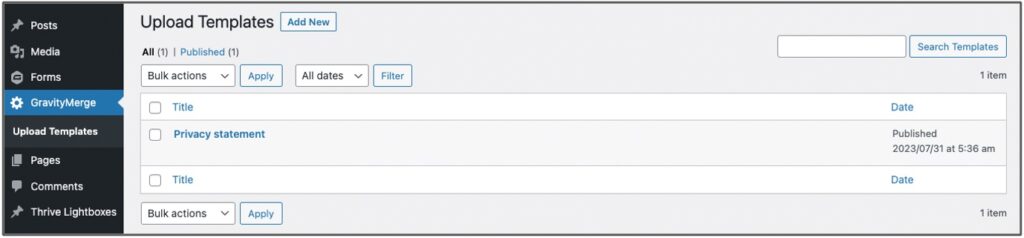
To upload your template, navigate to the GravityMerge > Upload Templates area, and press the ‘Add New’ button:
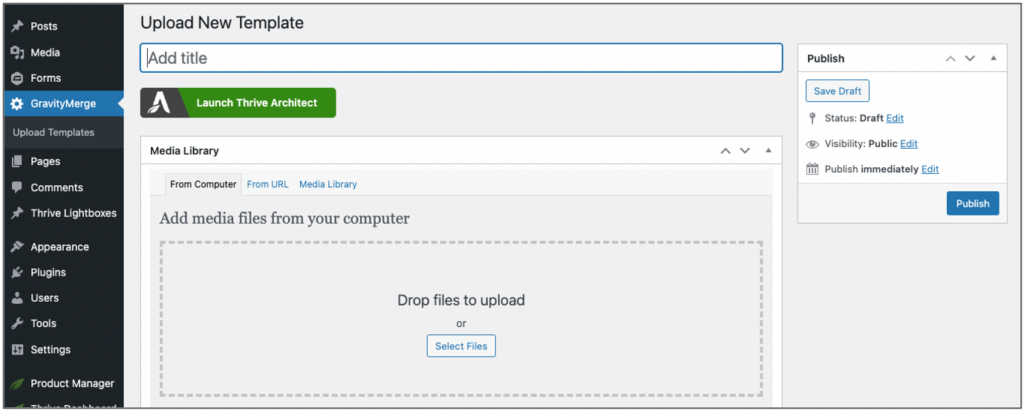
Once you’ve done that, you just give your template a title (which can be the same as or different to your actual template file name), upload your template docx file from your computer, and press Publish: