
Once you’ve created your form and your docx template, and uploaded your template to GravityMerge, you need to link your template to your form. This is done at the form level, via [Form] > Settings > GravityMerge.
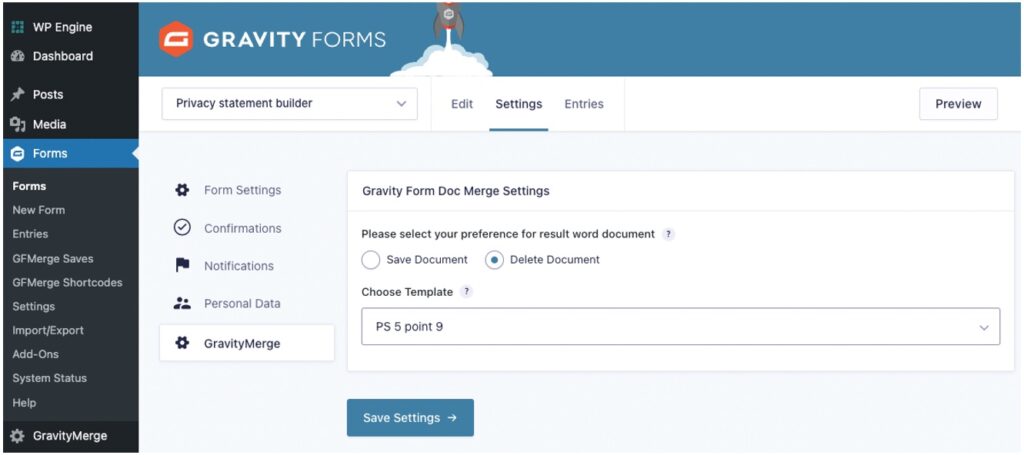
When linking/choosing your template, you can select whether to have your merged document saved (in which case you’ll find them in the Forms > GFMerge Saves area) or deleted automatically once you’ve downloaded or emailed them.